
Time tracking in a manufacturing environment is structurally different from time tracking in an office or service context. The tools are different, the questions are different, and the failure modes are different. Generic time tracking tools are designed for the simpler version of the problem. This guide covers what the manufacturing version actually requires.
The Manufacturing Time Tracking Problem
In most service or knowledge-work contexts, time tracking answers one question: how many hours did each person work? That's enough to run payroll and bill clients.
In a manufacturing or fabrication shop, that question isn't enough. You also need to know:
- Which job received each hour? A worker who clocked 8 hours today may have worked on three different customer jobs. Each job needs its actual hours, not an estimated allocation.
- What type of work was performed? Welding, fitting, machining, inspection, and rework have different cost profiles. A job with high rework hours is a different costing problem than a job with high welding hours.
- Which jobs are approaching or exceeding their labor budgets? A shop manager needs to catch an overrun while the job is still on the floor, not after the invoice has been sent.
These are the questions labor tracking answers. Generic time tracking answers the first question (hours per person) and ignores the rest.
Why Office Time Tracking Tools Don't Translate
The tools that work well in office environments — apps that let individuals log billable hours by project, card-swipe systems that record arrival and departure, calendar-based time tracking — fail in fabrication environments for structural reasons.
They assume individual, stationary workers. Fabrication shop workers move between machines, jobs, and tasks throughout a shift. A tool that requires each worker to have their own device and track time against a project list assumes a fundamentally different workflow than a shop floor where three workers might rotate through a welding station.
They don't handle multi-job shifts. A worker who spends three hours on Job A, takes a break, spends two hours on Job B, and returns to Job A for another hour has worked one shift but contributed to three work segments across two jobs. Generic tools either require the worker to log this manually (which almost never happens accurately) or capture only the dominant job.
They're not designed for shared terminals. Fabrication shops typically use shared equipment — one or two terminals accessible from the floor — rather than per-worker devices. A shop floor kiosk designed for manufacturing handles the identification, job selection, and clock-in/out workflow for shared-terminal environments. Office tools don't.
They separate payroll data from job data. In a manufacturing shop, these are the same data. Every hour that feeds payroll is also an hour that should feed job costing. Tools that treat them as separate systems create reconciliation work that falls on the admin or job cost accountant.
What Manufacturing Time Tracking Looks Like in Practice
Effective time tracking in a fabrication shop has a few consistent components:
Clock-in with job and task attribution. The worker identifies themselves (PIN, badge, or similar), selects the active job from a list, selects the task type (welding, fitting, machining, inspection), and clocks in. The segment starts with the worker, job, task, and timestamp recorded. When the worker clocks out or switches jobs, the segment closes.
Multi-job shift support. The system needs to handle workers moving between jobs within a single shift without requiring them to end and restart their workday. Clock out of Job A, clock into Job B — both segments are preserved as part of the same shift.
Real-time visibility for supervisors. The admin view should show current floor status without requiring anyone to report in: who's clocked in, to which jobs, accumulated hours per job today. A supervisor who can see this is in a position to catch problems — a worker on the wrong job, a job approaching its labor budget — while there's still time to act.
Correction workflow with audit trail. Workers make selection errors. A worker who clocked into the wrong job needs a supervisor to attach a correction without destroying the original capture. The labor tracking audit trail preserves both the original record and the correction, with the correcting supervisor's name and a reason.
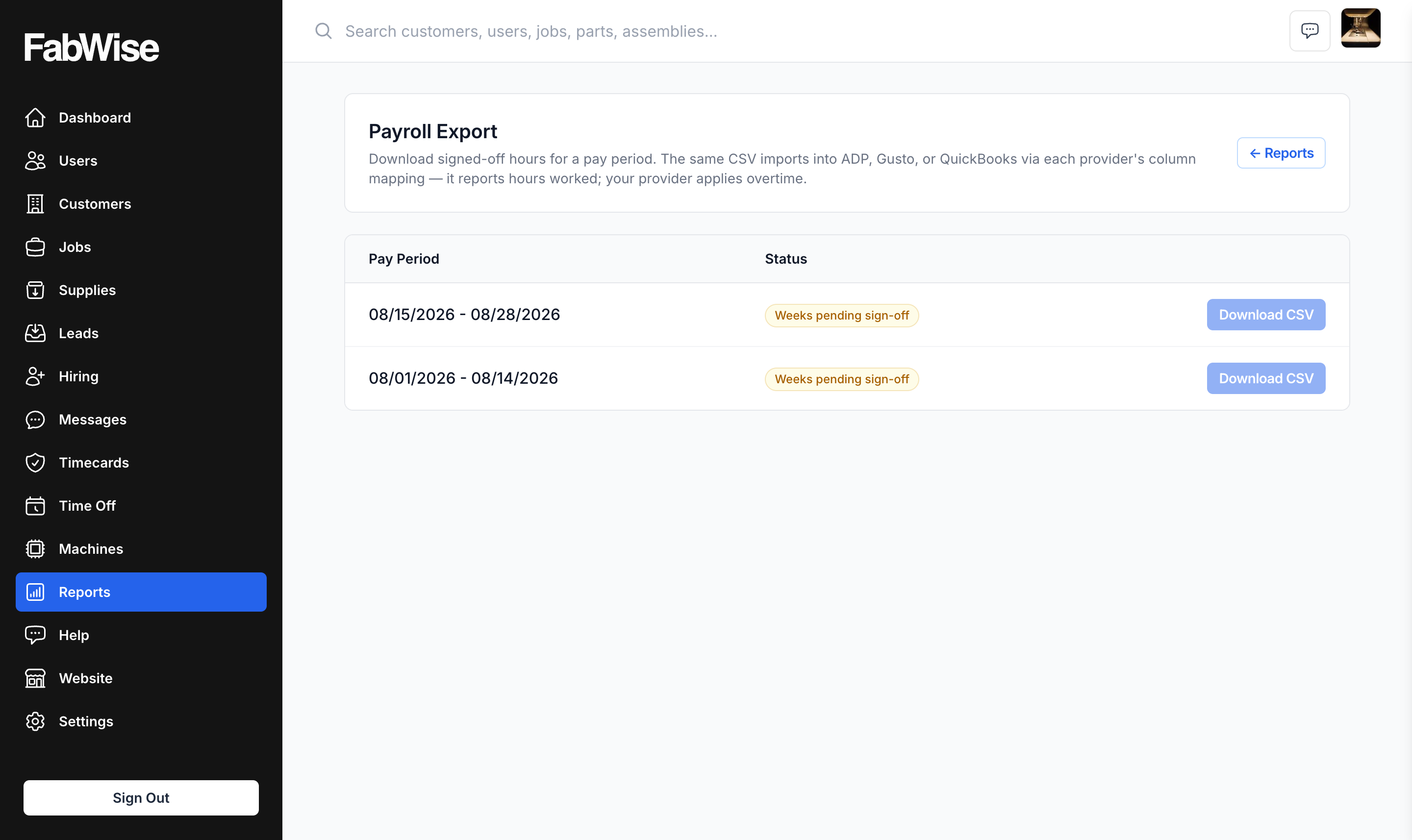
Integrated payroll output. The same records that feed job costing should feed payroll. At pay period close, a supervisor reviews and approves all shifts; the payroll export produces the file for your payroll provider. One set of records, two outputs.
What Accurate Data Makes Possible
The value of getting this right is downstream. Accurate job-level hours make a few things possible that aren't possible with estimated or reconstructed data:
Accurate job costing. Hours × burdened rate = labor cost. See calculating labor cost per job for the complete formula. The calculation is only as accurate as the hours.
Improved quoting. When you can compare estimated hours to actual hours on closed jobs, your estimates improve. You see which job types consistently run over on specific operations and adjust your estimates accordingly.
Overtime attribution. Instead of knowing that you paid 40 hours of overtime last week, you know which jobs drove that overtime. Some jobs are structurally overtime-generating (tight deadlines, complex work). Others are not, and understanding the difference affects scheduling and pricing.
Payroll without reconciliation. When every hour is captured and attributed correctly at the point of work, payroll is an approval step, not a reconstruction step. The payroll export reflects approved records; your provider handles classification and compliance.
Evaluating Manufacturing Time Tracking Tools
When evaluating tools for a manufacturing environment, the questions that matter most:
- Does the tool capture job and task at clock-in, or are those added after the fact?
- Does it handle multi-job shifts natively, with timestamps on each segment?
- Can supervisors correct records without destroying the original capture?
- Does it support shared terminal (kiosk) operation for floor workers?
- Does the same record set feed both job costing and payroll?
FabWise is designed around these requirements. It's not a general-purpose time tracking tool adapted for manufacturing — it's built specifically for fabrication shops where labor attribution per job is the whole point. If you're evaluating whether it fits your operation, book a demo to walk through a setup that matches your shop size and workflow.