
The whole life of a job in one app.
Crew through the door to job margins reviewed is a lot of ground, and FabWise covers the whole run: quoting, scheduling, the clock, labor landing on jobs, payroll, hiring, and your shop's website. Each one has deep-dive guides underneath it — start wherever your problem is.
No credit card required
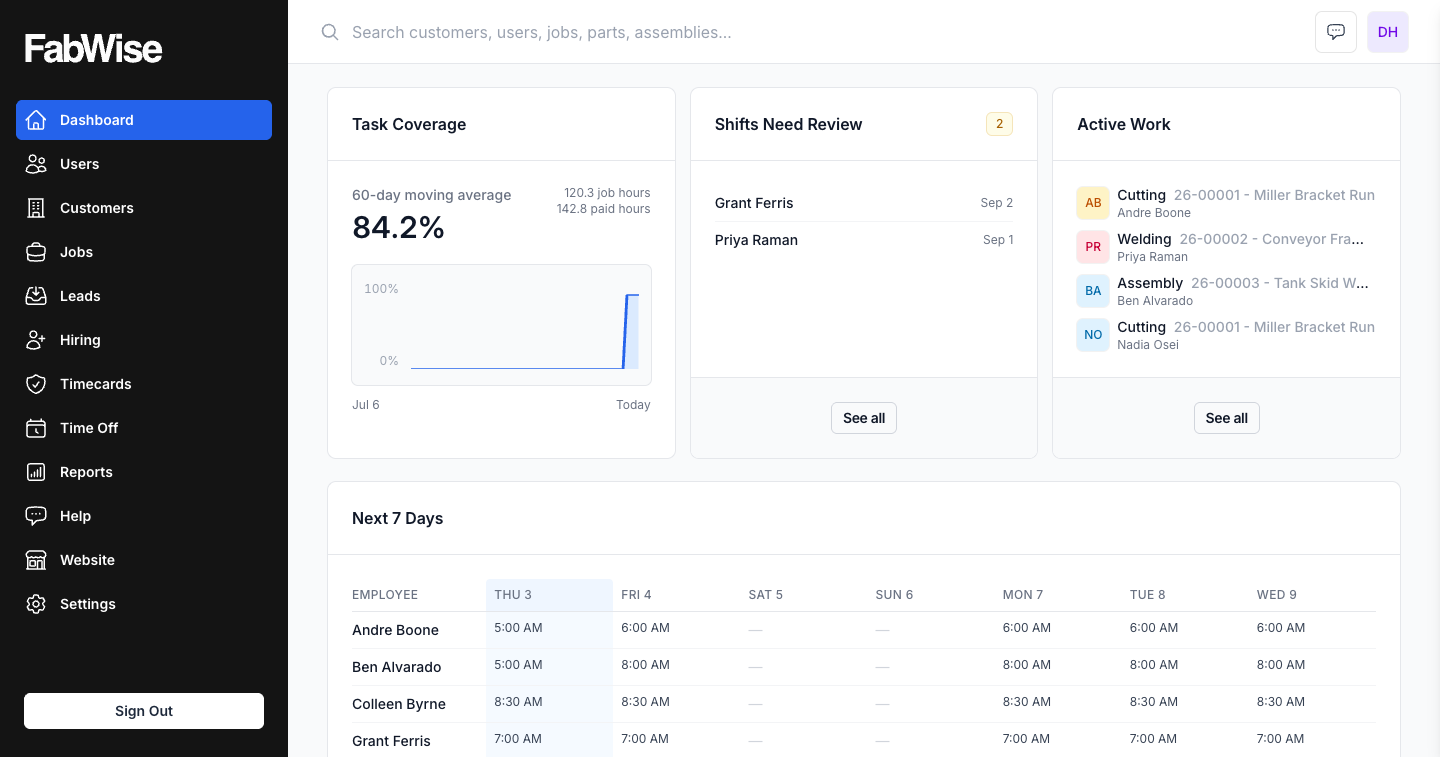
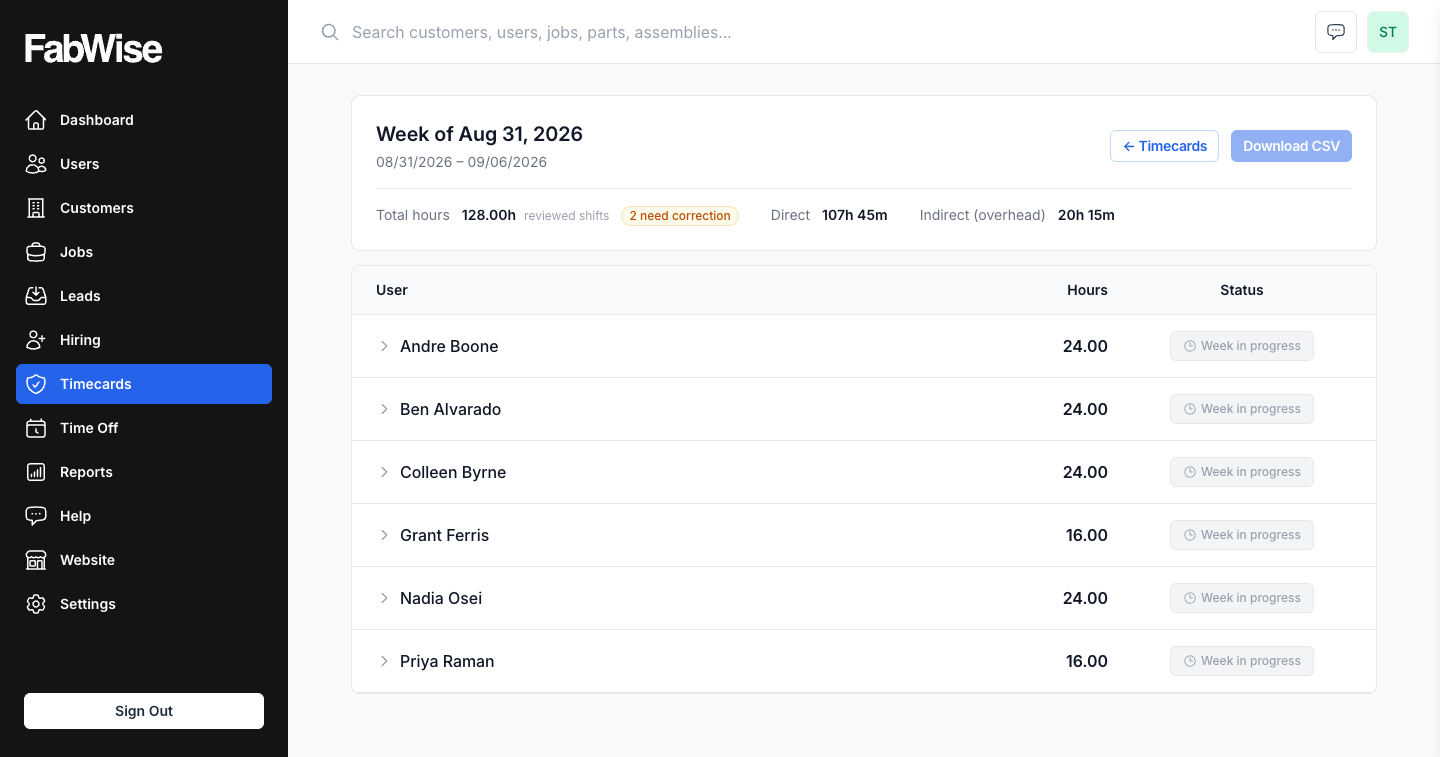
Time Tracking
FabWise tracks time per worker, per job, per task — built for fab shops that need payroll-ready data without manual reconciliation. No spreadsheets.
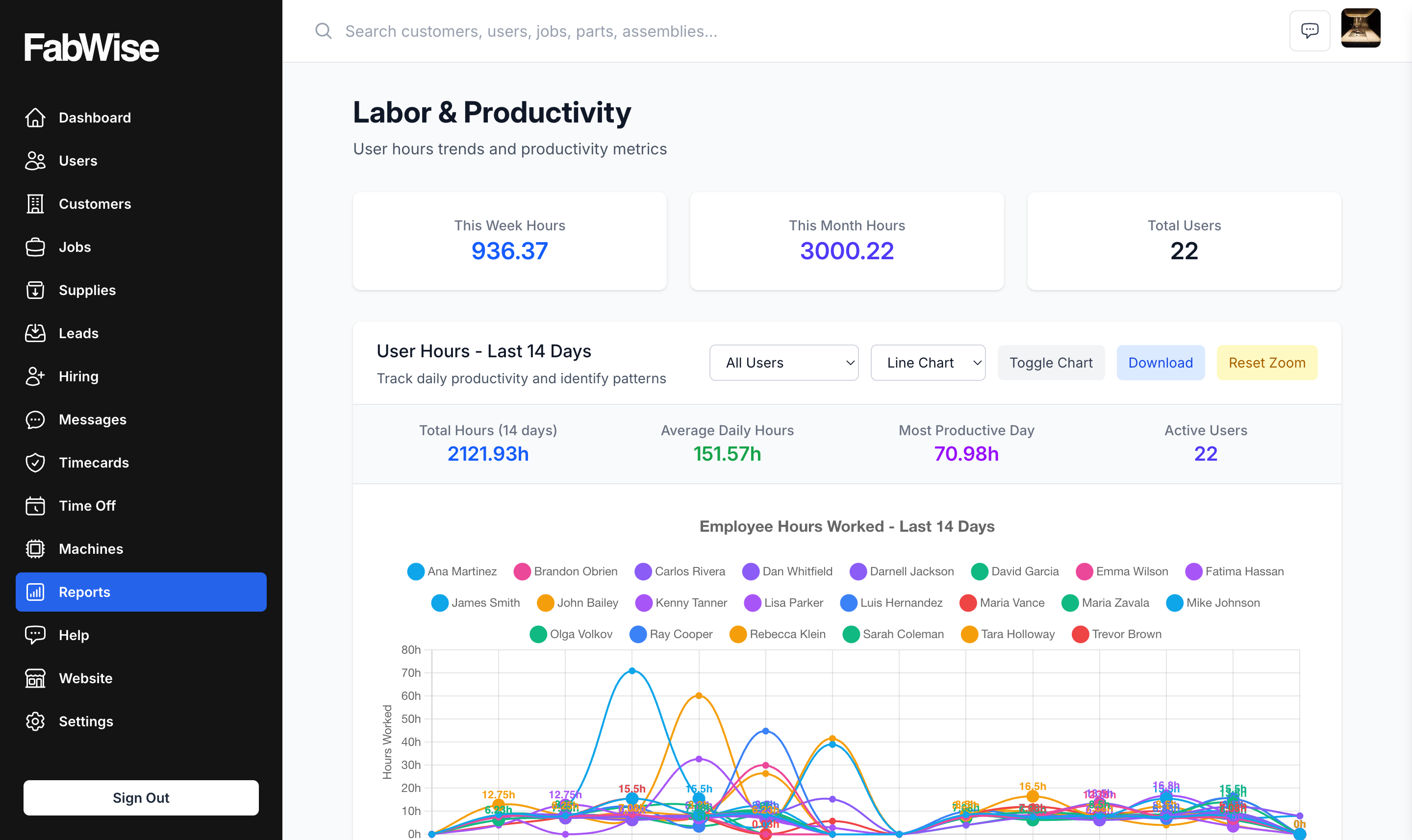
Labor Tracking
FabWise tracks labor hours per worker, per job, per task in real time. Built for fab shops that need accurate labor data for costing and payroll.
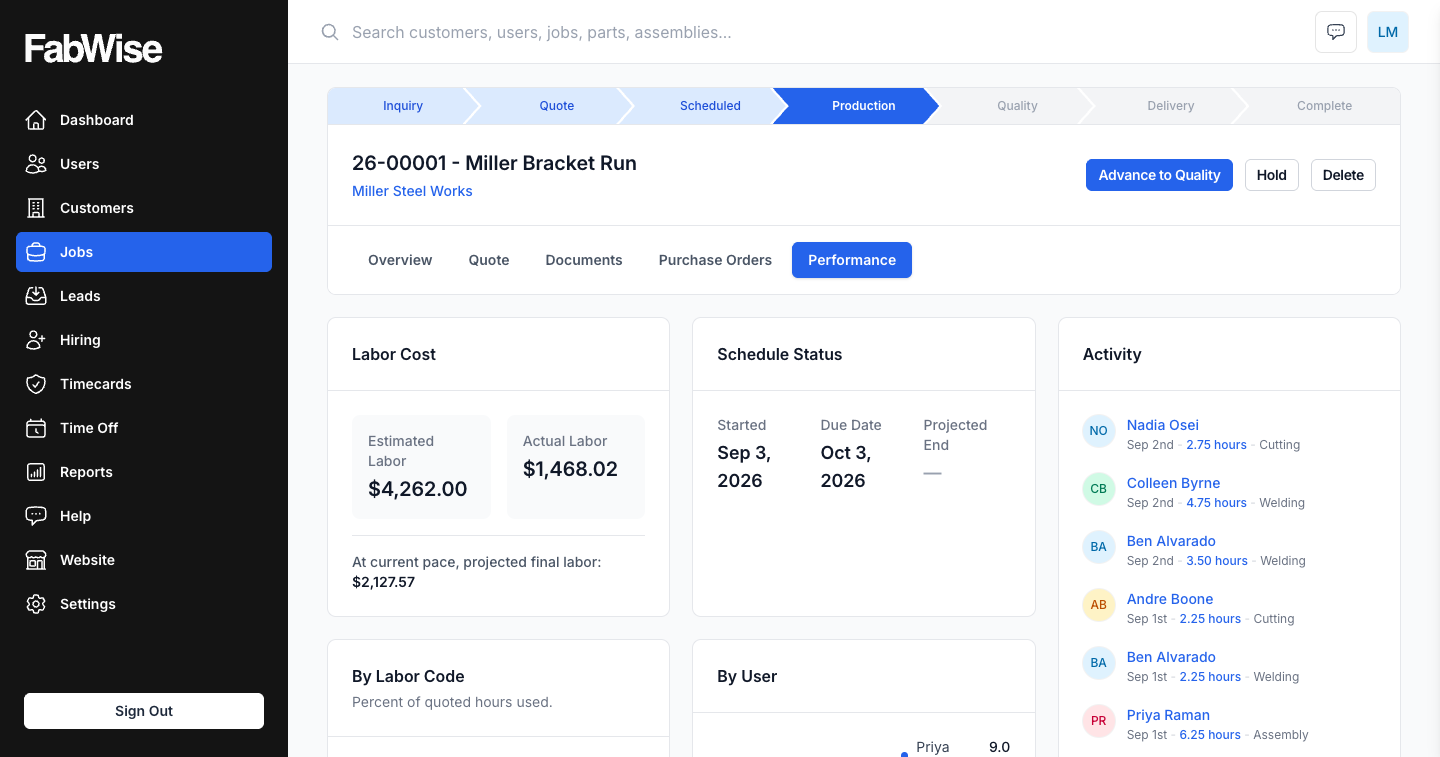
Job Costing
FabWise tracks labor hours per job in real time so you always know what a job actually costs — before it closes, not after the invoice is out.
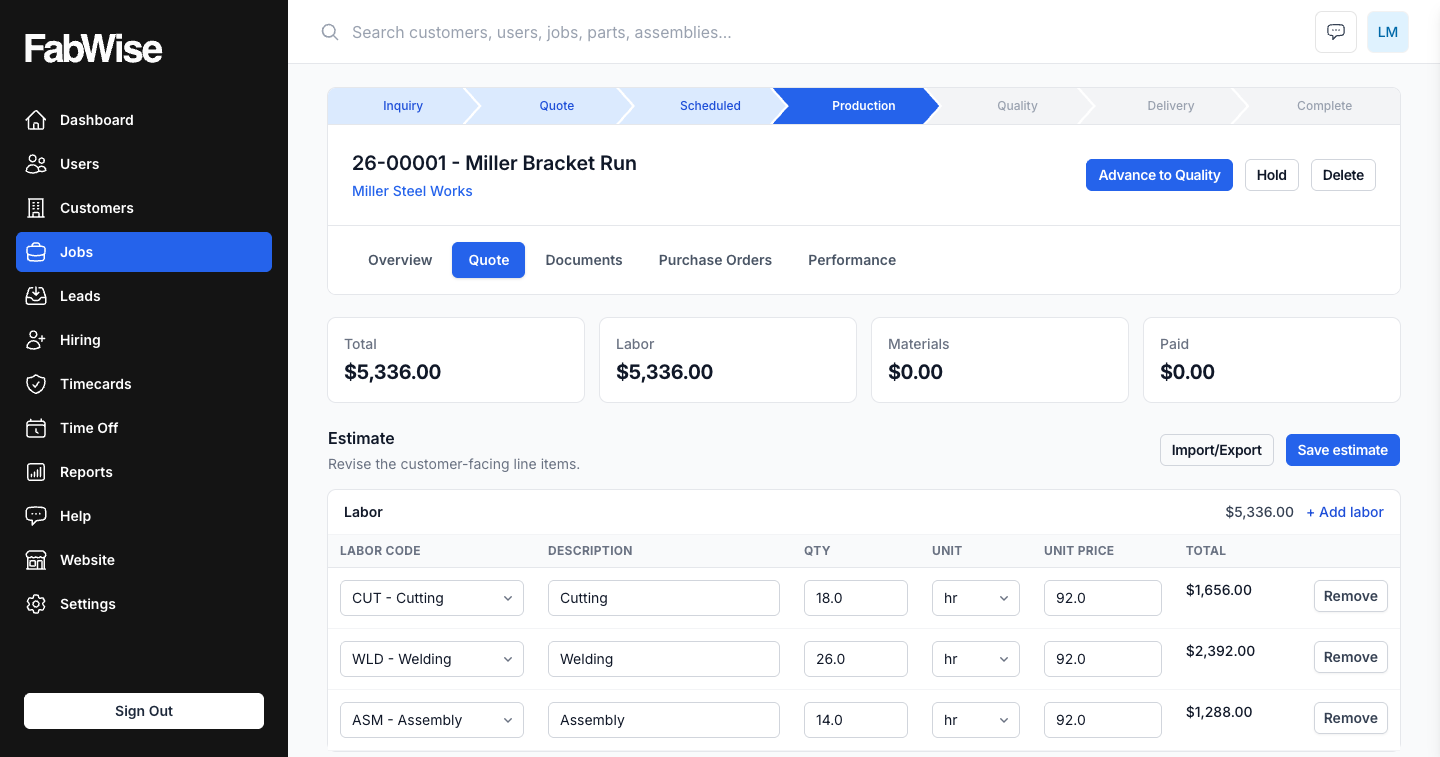
Quotes & Invoicing
Build an estimate, issue a versioned quote, take online acceptance, and generate the invoice — authored in FabWise, beside the hours the job actually took.
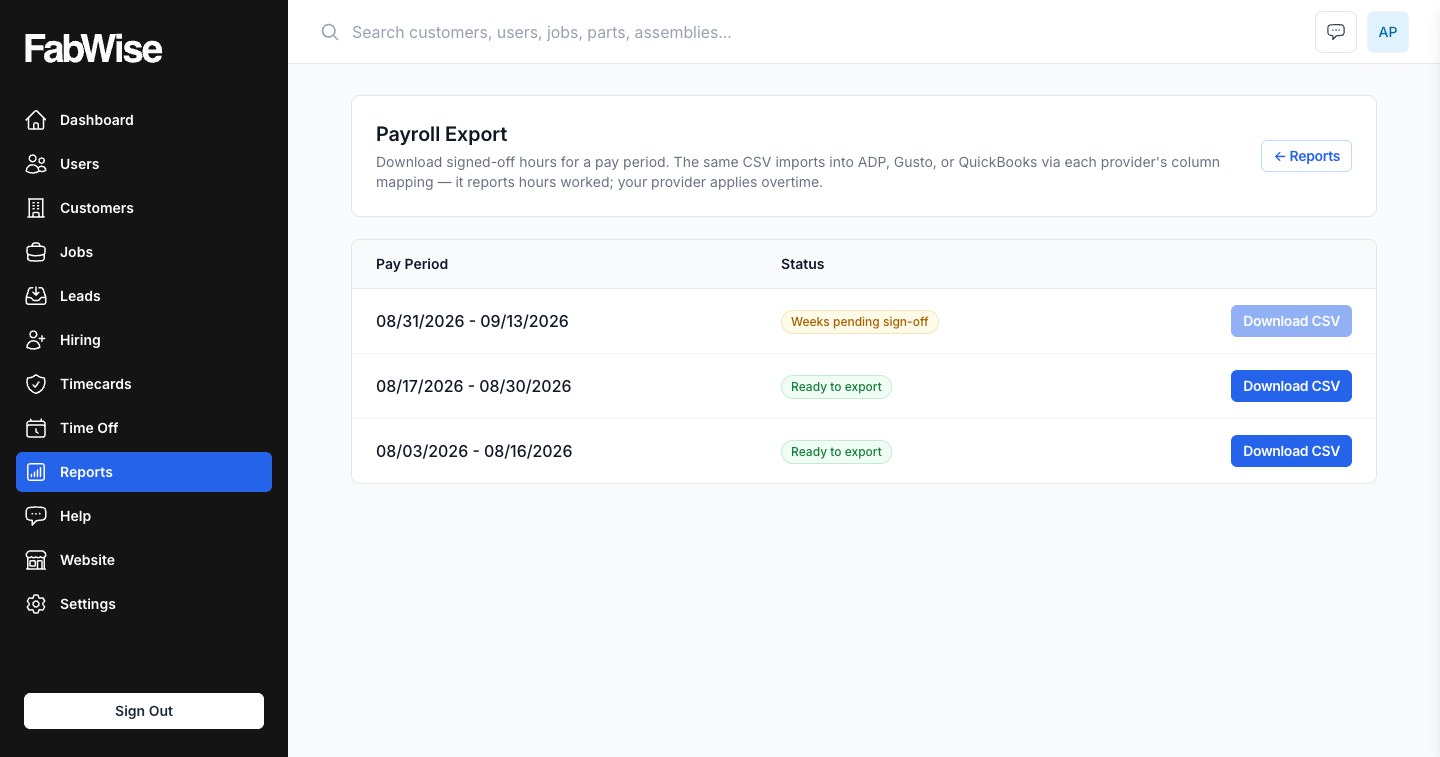
Payroll Export
FabWise exports signed-off time records as one CSV per pay period that your payroll provider imports. From clock-out to payroll upload in under ten minutes.
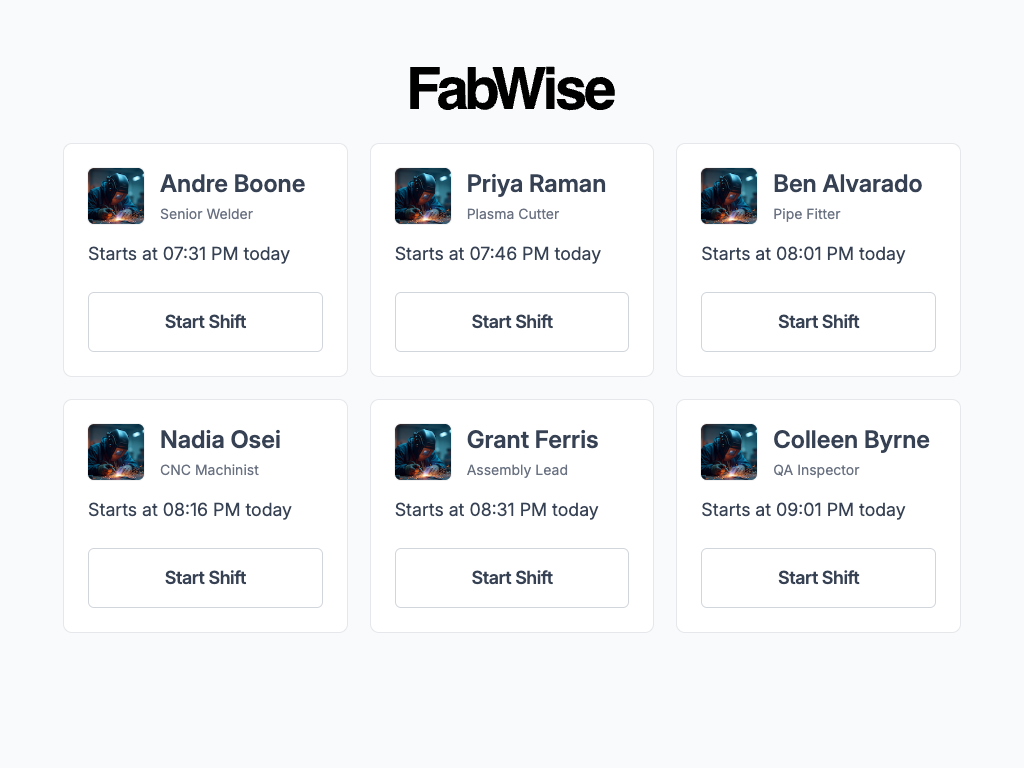
Kiosk Time Clock
A shared shop floor time clock built for fabrication — PIN entry, glove-friendly touch, meal-break declarations, and no individual logins.
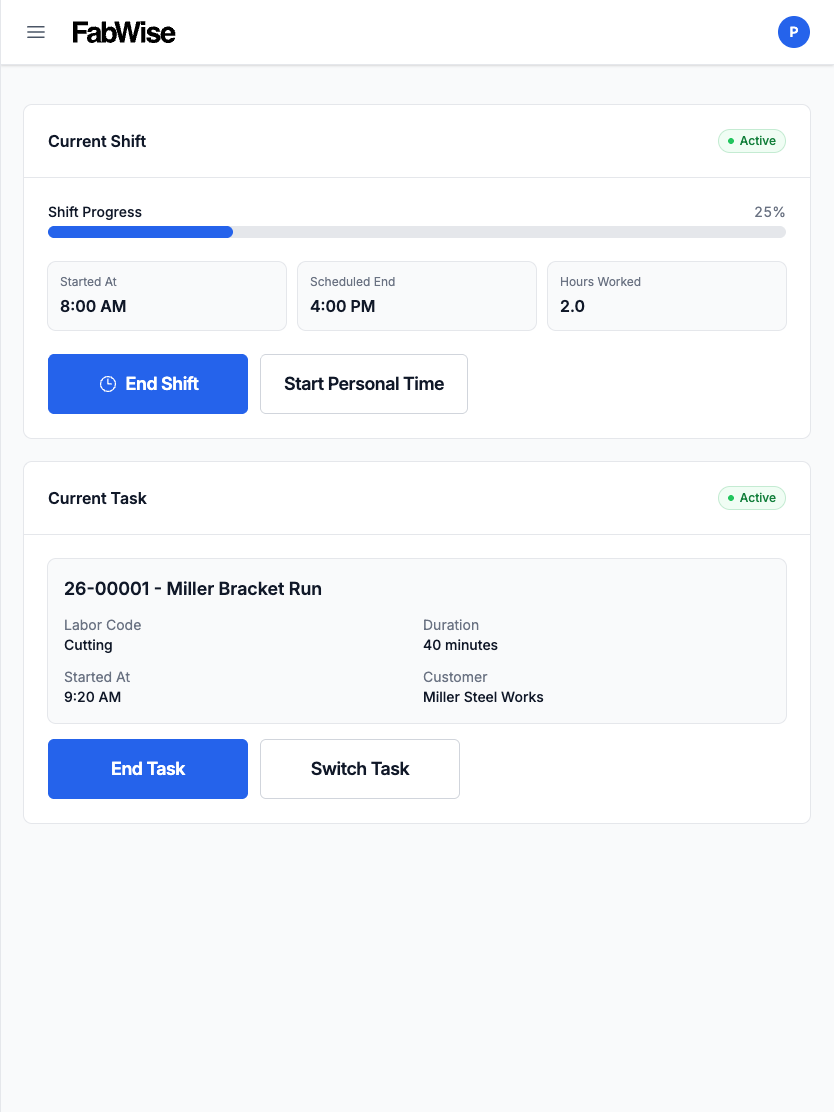
Workstation
Workstation gives each operator their own screen at the machine — their tasks, their hours, their shift. Installs to any tablet, no app store.
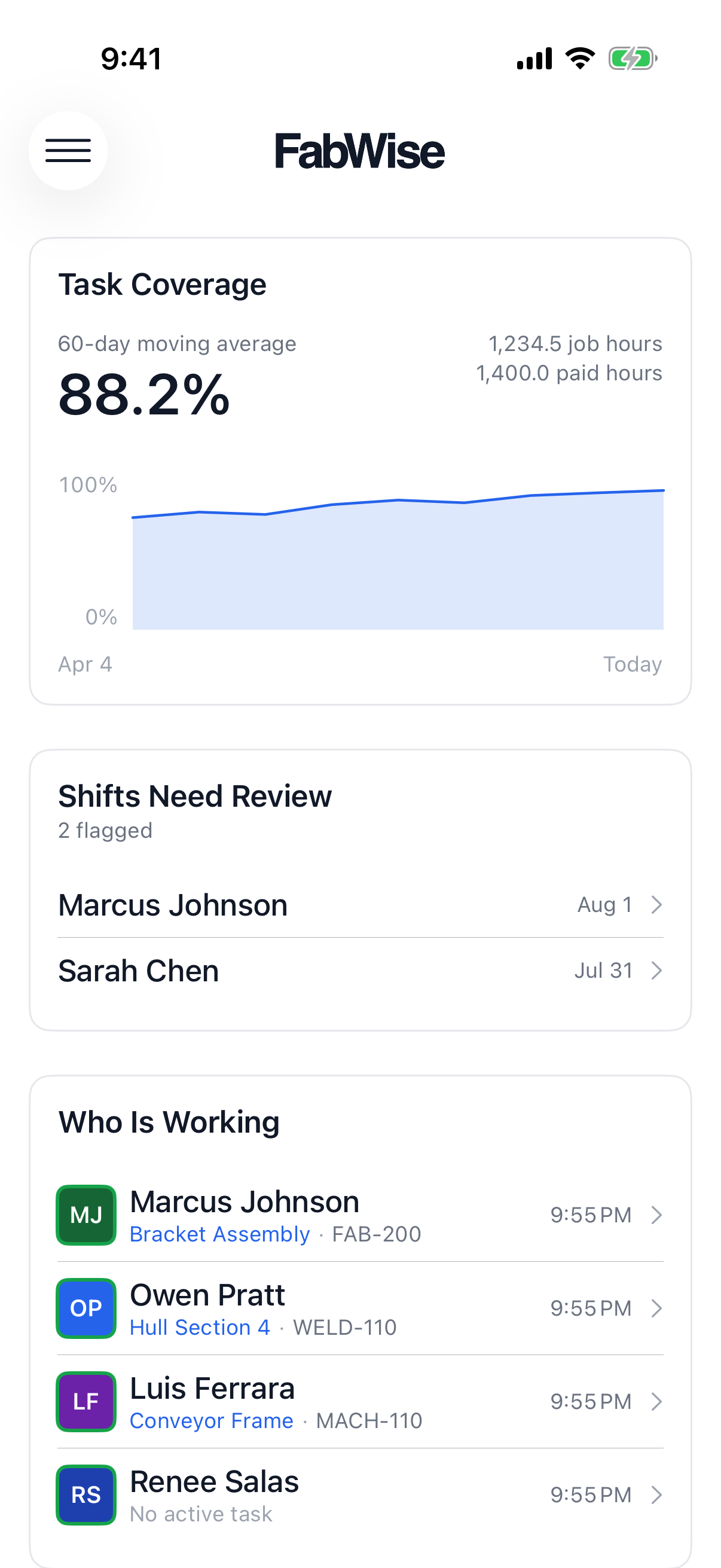
iOS App
See who's on the floor, get pushed the shifts that need a decision, and correct them from anywhere. The FabWise iOS app for fabrication shops.
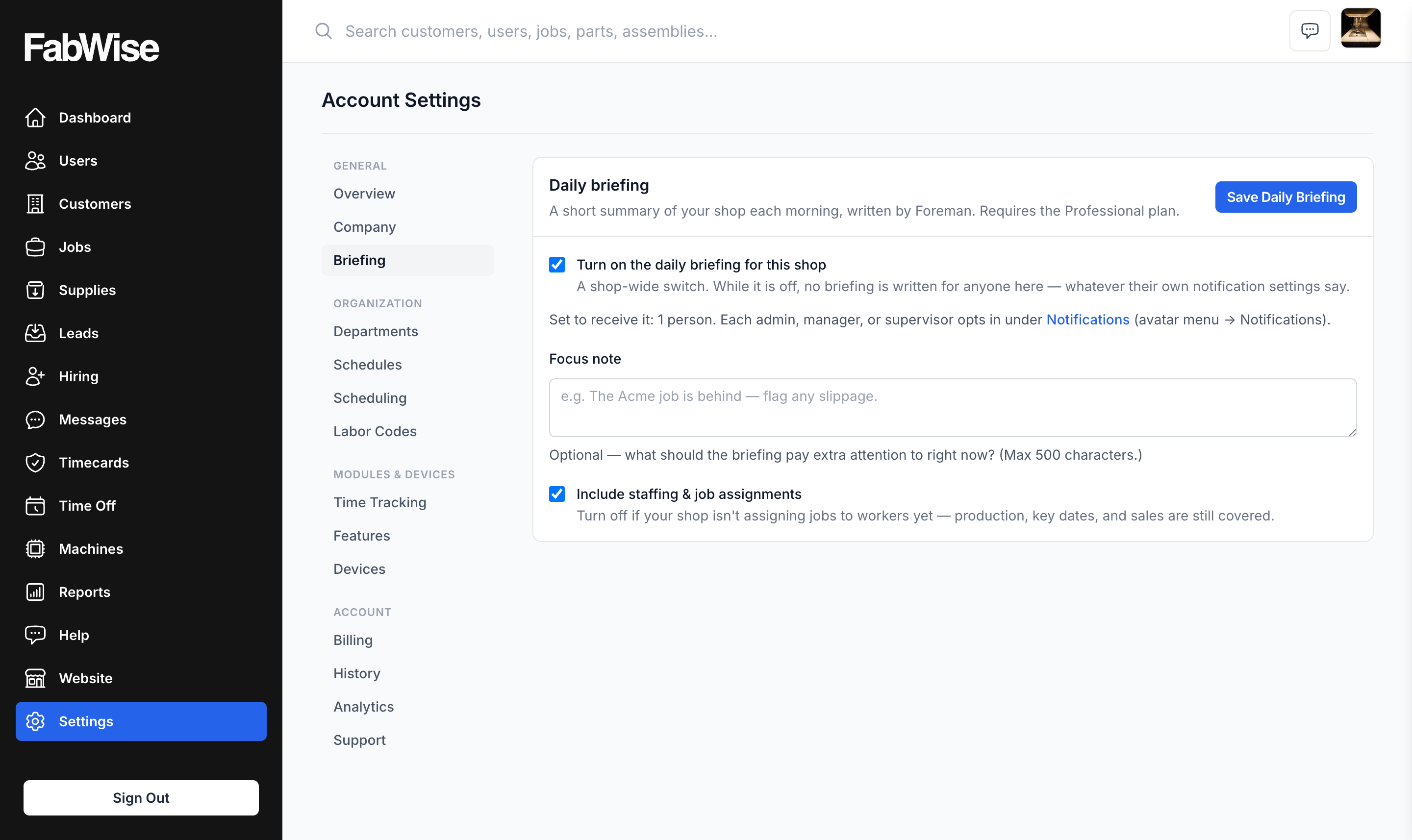
Foreman
Foreman reads your shop's own time and job data every morning and tells you what needs a look before it becomes a problem.
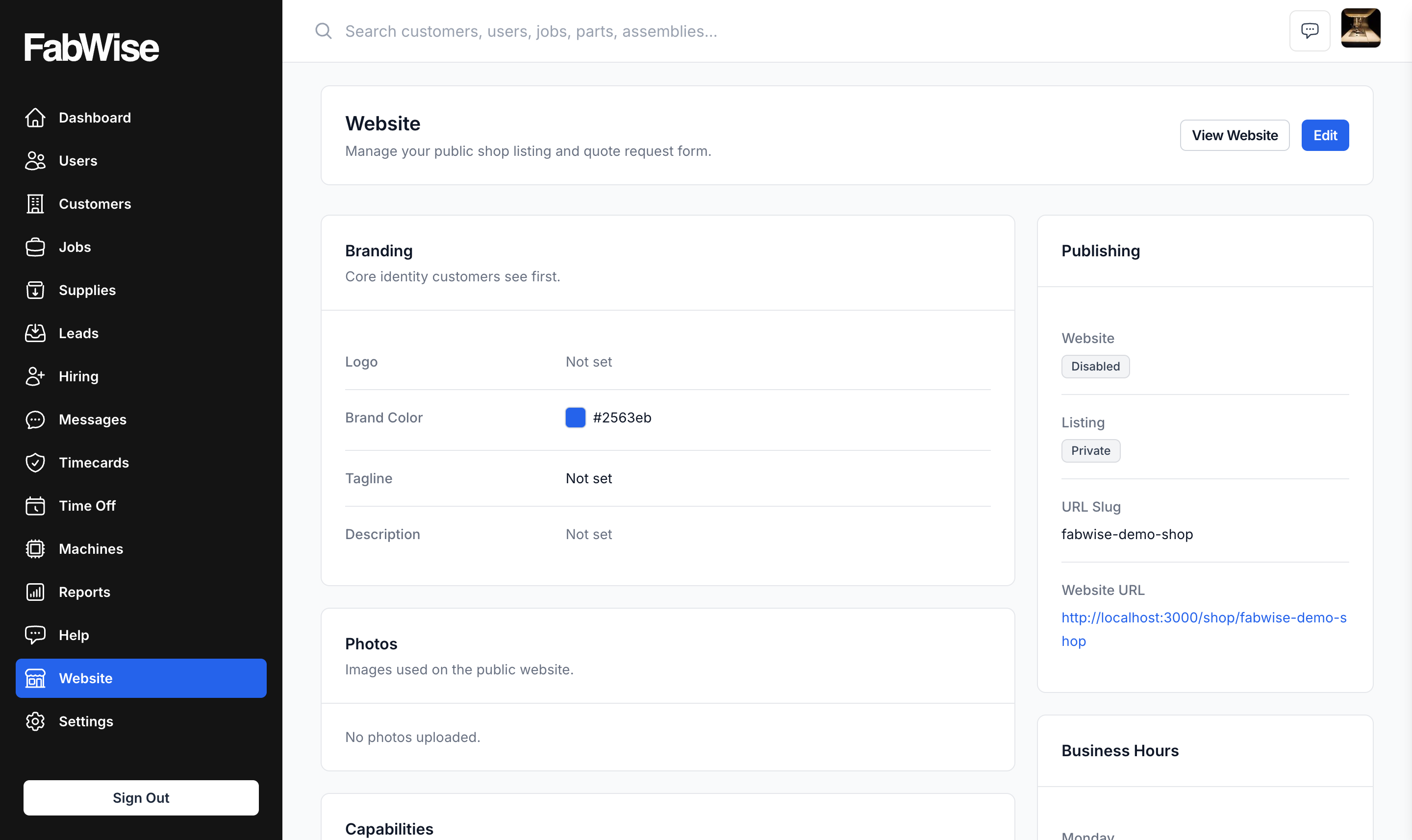
Website
A public shop page whose quote-request form — drawings and all — becomes a Lead, then a Customer and a Job. Point an existing domain at it if you have one.
Ask your AI assistant about FabWise.
Our documentation is written to be read by machines as well as people — the same pages FabWise's own assistant answers from. Ask yours anything about the product and it can answer from the source.
Read https://www.fabwise.app/llms.txt and the FabWise pages it links. I run a fabrication shop and I want to know how FabWise handles tracking shop-floor hours against jobs. Answer from those pages and cite the ones you used.
Up and running in one business day.
One of us runs your implementation in a single business day — schedule built, devices configured, your crew trained. We're a one-call-away team.