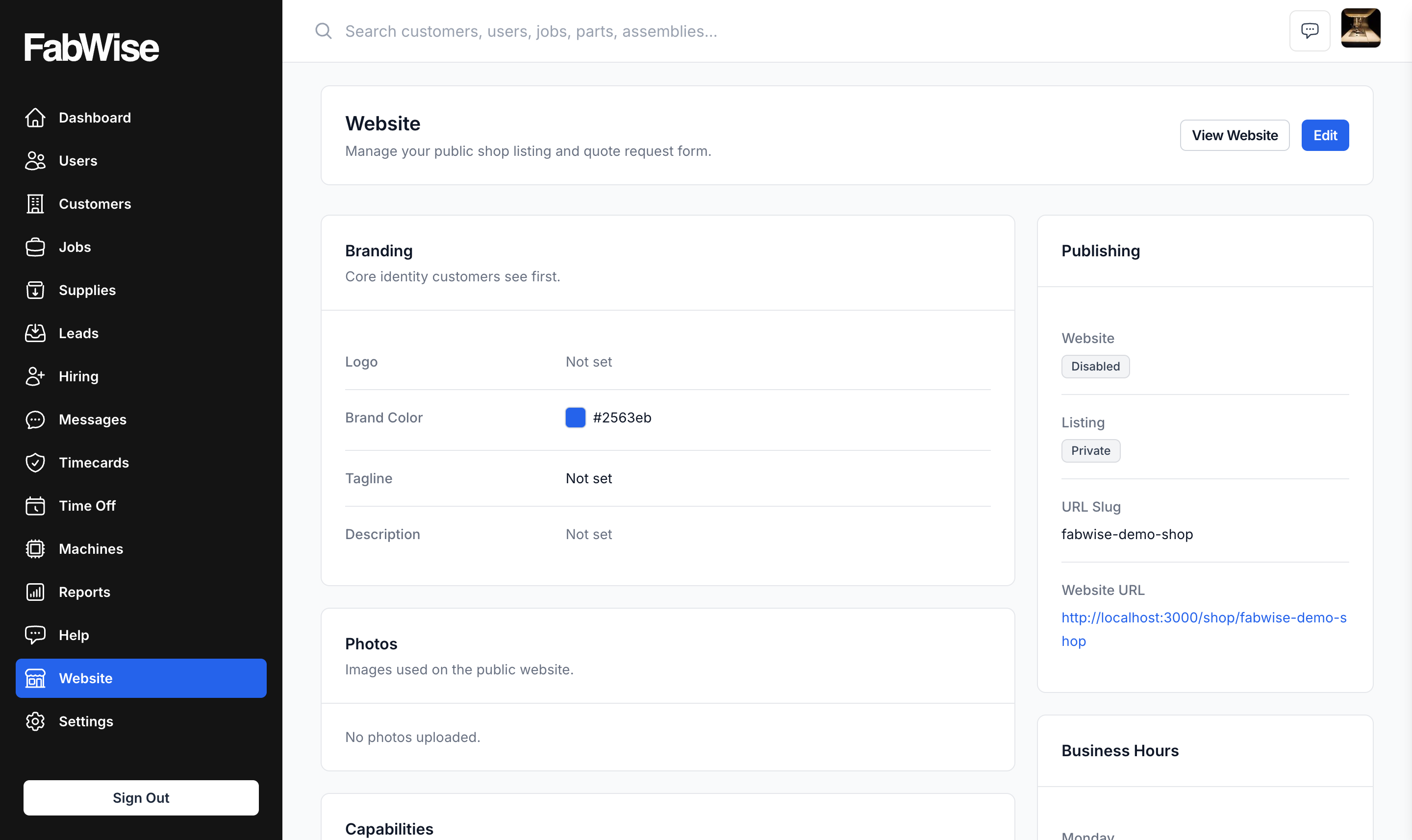
The page itself is table stakes — logo, capabilities, hours, photos, hosted at fabwise.app/shop/your-slug. What makes it worth having is where the quote requests go: a request submitted on your page becomes a Lead in your account, and an accepted Lead becomes a Customer and a Job you can quote against.
The Form Is the Feature
Any web developer can build you a shop site with a contact form. That form sends an email.
An email is where a quote request goes to sit. Someone has to read it, decide it is real, re-type the customer's details somewhere, chase the drawing that was attached, and start a job — and every one of those steps is a place it stalls.
Here the request arrives as a record:
- Customer name, email, phone
- Company, if they gave one
- Project description in their own words
- File attachments — drawings, photos, spec sheets
That last one matters more in fabrication than almost anywhere else. A quote request without a drawing is the start of an email thread. A quote request with the drawing attached, sitting in the same system as the job you are about to create, is the start of a quote.
From Request to Job Without Re-typing Anything
New Leads land at the top of your Leads inbox. You open one, read the description, look at what they attached, and decide.
- Accepted — the Lead becomes a Customer and a Job in FabWise
- Rejected — not a fit, and it stays on the record rather than vanishing
Once a Job exists, it is on the same rails as every other job: you build the estimate, issue the quote and take acceptance, the shop works it, and the hours land against it.
That is the whole argument for hosting the page here rather than anywhere else. The path from someone found us to we billed that is one system, with no re-keying at the seam — and the seam is exactly where inbound work normally gets lost.
Already Have a Domain? Point It Here.
Plenty of shops own a domain from a site they had built years ago, or bought one and never used it.
You can forward that domain at your registrar so it lands on your FabWise page. Customers type the address they already know; they arrive somewhere current. Nothing to migrate and no site to decommission.
Worth being precise about what this is: a redirect you set up at your registrar, not FabWise serving your domain. The address in the browser bar ends up as your fabwise.app/shop/your-slug URL. For most shops that trade is easy — a page that is accurate and connected beats a domain that resolves to nothing.
Your Branding Comes From One Place
Your logo and brand color come from Company Settings — shared across your whole FabWise account. The same identity appears on your website, your quotes, and the acceptance page a customer sees when they approve an estimate.
Everything else — tagline, photos, capabilities, hours — is website-specific.
Change your logo once and it changes everywhere, rather than in four places you have to remember.
Capabilities Are a Filter, Not a Brochure
The Capabilities section is four checklists: services, materials, industries, and certifications.
They do two jobs — customers use them to filter shops, and search engines use them to match your listing to what someone actually typed.
Check only what you genuinely do regularly and do well. Checking every box backfires both ways: you draw inquiries you have to turn down, and you dilute the terms you would otherwise rank for.
Publishing Is Two Separate Switches
- Enable website — whether the site works at all, including the quote form
- Public listing — whether it appears in the FabWise shop directory
Turning public listing off while leaving the website enabled keeps your URL working for anyone you send it to, but stops new discovery. That is the right setting for a shop that wants a link to hand out but is not chasing inbound work right now.
FabWise warns you if public listing is on while the website itself is off — a shop listed publicly that cannot accept a quote request is a dead end for whoever finds it.
No Web Developer, No Maintenance Contract
A shop website normally means a few thousand dollars to a developer and a site that goes stale the day something changes. Then the phone number is wrong for a year because updating it means emailing someone.
This is a form in your admin. A basic listing takes a few minutes, and changing it later takes seconds — which is the actual reason it stays accurate.
Photos sell. A listing with no photos reads as abandoned, and it is the highest-leverage thing on the page. Worth pulling a few good shots off the floor before you publish.
Where It Fits
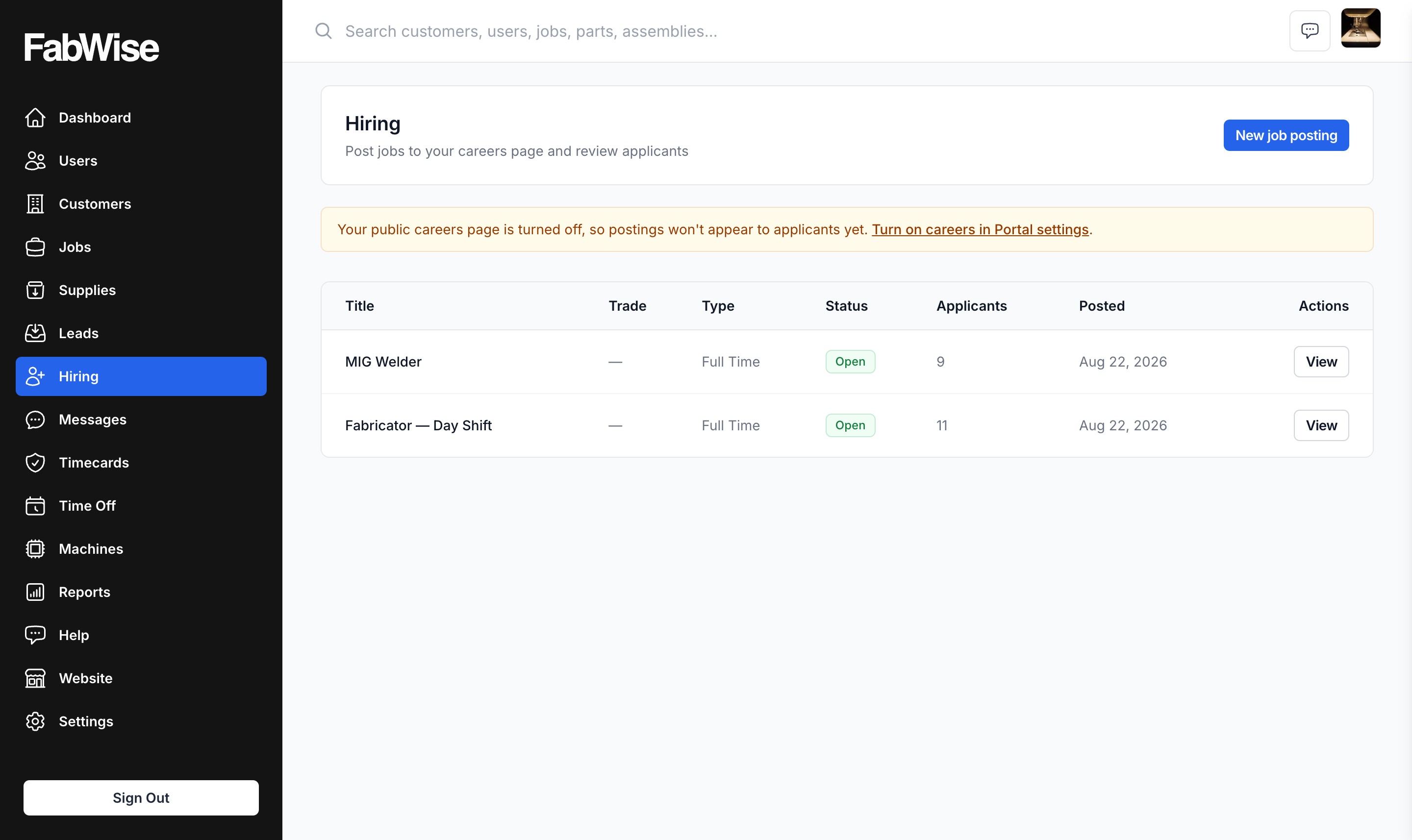
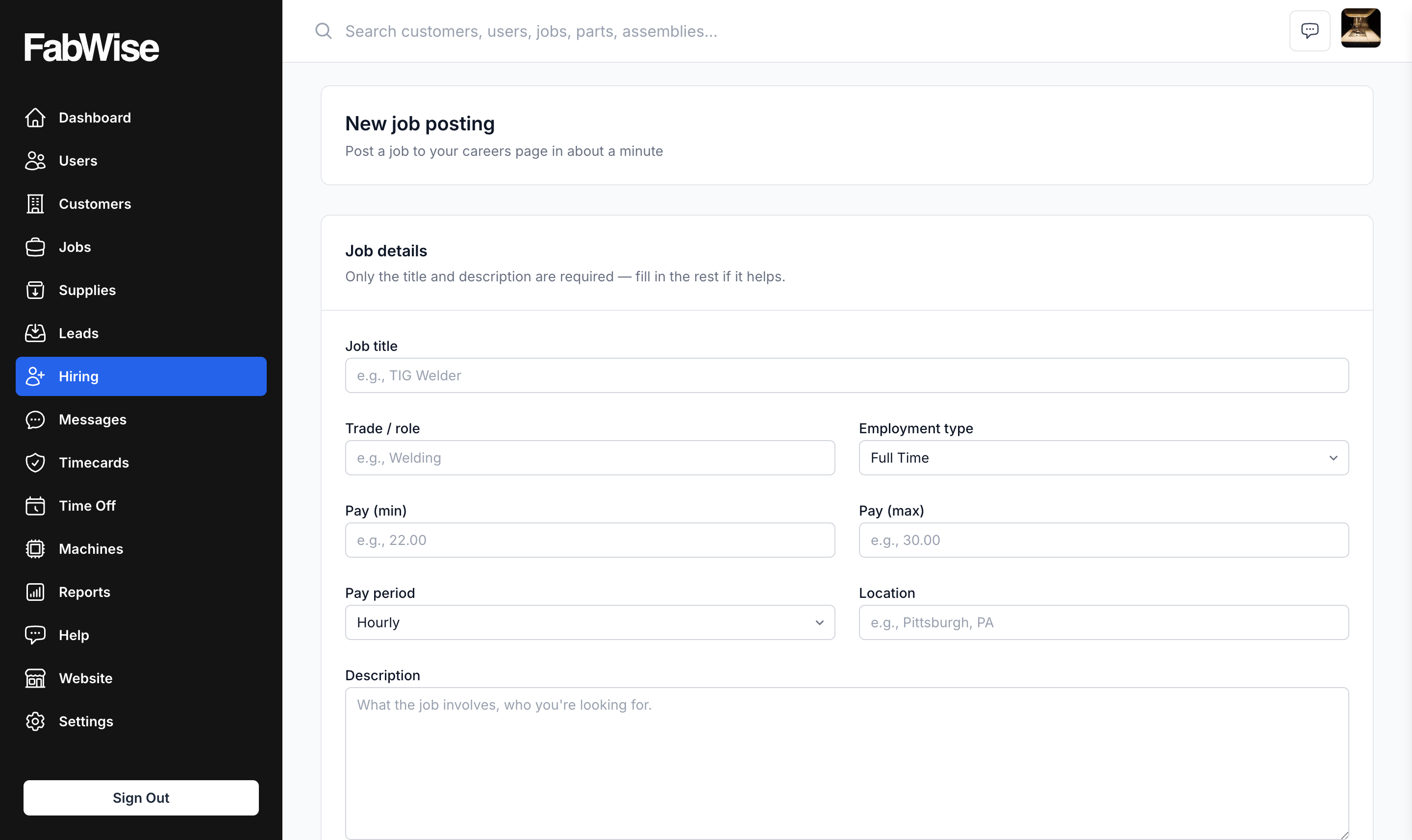
An optional careers page shares the same URL slug, so the same address that takes quote requests can take applications.
Both are the same idea: the front door belongs to you, and what comes through it lands in the system where the work actually happens.