
Most fab shops are found by reputation — a referral, a supplier, someone who worked with you before. That channel is genuinely good and it is not going away.
The buyer it misses is the one who opens a search engine because their usual shop is booked, their engineer specified something new, or they just moved into the area. That person cannot ask around. They search, they get a handful of results, and they contact two or three.
Being Findable Is Mostly Being Specific
Shops that show up for a search rarely do it by outspending anyone. They do it by being unambiguous about what they actually do.
A buyer searching does not type "fabrication." They type the thing they need: stainless TIG welding, sheet metal bending, waterjet cutting aluminum, aerospace certified machining. Those are the words that match.
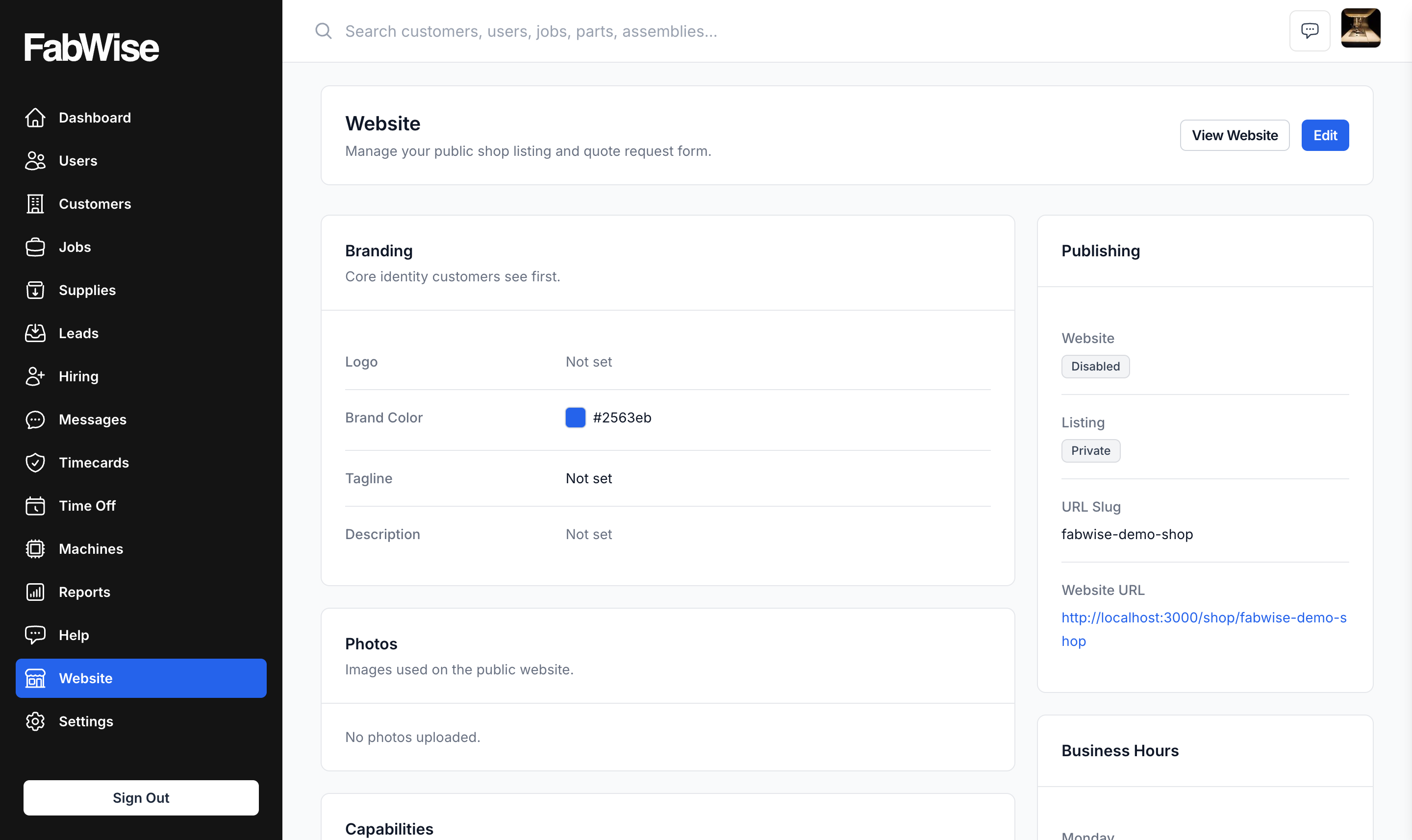
This is why the capability checklists on your FabWise shop page are structured rather than a paragraph. Services, materials, industries, and certifications each get checked off, which does two jobs at once: buyers filter on them, and search engines have concrete terms to match against instead of prose.
Check only what you genuinely do regularly and do well. Checking everything backfires twice — you draw inquiries you have to decline, and you dilute the specific terms you would otherwise have been the obvious answer for. A shop that credibly owns stainless architectural work in Pittsburgh beats a shop claiming everything.
The Page Has to Be Current, Which Means Editable
The most common reason a shop's web presence stops working is not design. It is that it went stale.
A site built by a developer three years ago has the old phone number, a capability you dropped, and photos of equipment you sold. Updating it means emailing someone and waiting, so nobody does — and a buyer who reaches a page that is visibly out of date reads the shop as out of business.
A page you can edit yourself in a couple of minutes stays accurate, and accuracy is most of what a buyer is evaluating.
Photos do more than anything else here. A listing with no photos reads as abandoned. Real shots of your floor and finished work answer the question a buyer is actually asking — can these people do my part — faster than any description.
Already Have a Domain? Use It.
Plenty of shops own a domain from a site they had built years ago, or bought one and never used it.
Forward it at your registrar so it lands on your FabWise page. Customers type the address they already know and arrive somewhere current, with nothing to migrate and no old site to decommission.
To be precise about what this is: a redirect you set at your registrar, not FabWise serving your domain. The browser ends up showing your fabwise.app/shop/your-slug URL. For most shops that is an easy trade — an accurate connected page beats a domain resolving to nothing.
What Happens After They Find You Matters More
Being found is half of it. The other half is what the inquiry becomes, and this is where a brochure site quietly loses work.
A contact form on a typical site sends an email. That email needs someone to read it, judge it, re-key the details, chase the drawing that was attached, and start a job — and each of those steps is somewhere it stalls.
A quote request on your FabWise page arrives as a record: name, email, phone, company, the project in their words, and file attachments — drawings, photos, spec sheets. Accept it and it becomes a Customer and a Job you can quote against immediately.
For fabrication that attachment is the difference. A quote request without a drawing is the start of an email thread. One with the drawing attached, sitting in the same system as the job you are about to create, is the start of a quote.
Two Switches Worth Understanding
- Enable website — whether the page works at all, including the quote form
- Public listing — whether it appears in the FabWise shop directory
Turn the listing off and keep the website on when you want a link to hand out but are not chasing new inbound work. FabWise warns you if the listing is public while the site itself is disabled — a shop that is findable but cannot take a request is a dead end for whoever found it.
Where It Fits
The same page can carry job postings on a careers tab sharing the same address. Both are the same idea: the front door belongs to you, and what comes through it lands in the system where the work happens.