Time Tracking Software for Fabrication Shops
FabWise tracks who worked on what, for how long, against which job — captured at the source by the worker, not reconstructed at the end of the week by a manager. Every clock-in is tagged to a job and a task. Every clock-out produces a complete shift record ready for payroll export and job cost analysis. No spreadsheets, no paper time cards, no Friday-afternoon reconciliation.
Why Fab Shop Time Tracking Is Different from Generic Software
Generic time tracking tools are built for knowledge workers: remote teams logging hours in 15-minute blocks, project managers reviewing timesheets on Fridays. That model breaks on a fabrication shop floor.
On the floor, you have workers who don't sit at computers. You have multiple jobs running simultaneously, with workers moving between them. You have meal break requirements tied to shift schedules. You have supervisors who need to correct a mis-tagged entry without erasing the original record. You have payroll that needs to reconcile before Friday close.
Generic software solves none of those problems. FabWise was built for exactly this environment.
The Bureau of Labor Statistics reports that fabrication and metalworking occupations account for over 450,000 workers in the U.S. alone — the majority in small and medium shops where manual time-tracking processes are still the norm. Those shops lose hours to reconciliation work every pay period.
How FabWise Captures Time on the Shop Floor
Workers clock in and out from two surfaces:
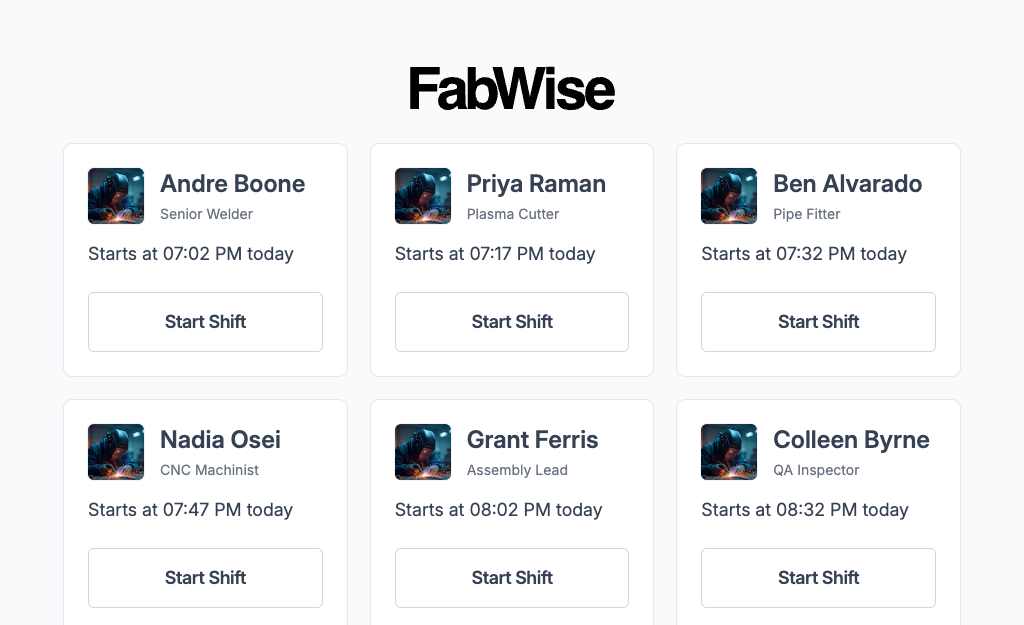
Kiosk — A shared terminal mounted near the shop entrance or time clock. Workers tap their name, enter a PIN, and clock in. The kiosk is built for gloved hands and quick interactions — no typing required. Clock-out adds a meal break declaration if applicable.
Workstation — An individual screen at the machine or bench, part of the Professional package. This is where time gets attributed to jobs — tapped as the work happens or allocated at day end. Supports multi-shift accounting and gives each worker a view of their own time records for the pay period.
Both surfaces write to the same shift record. A supervisor approving a shift in the admin dashboard sees the same data regardless of which surface captured it.
Attribution at the Source — Not Reconstruction at Week-End
The most expensive mistake in shop-floor time tracking is capturing presence only, then trying to reconstruct which hours went where at the end of the week. By Friday nobody remembers Tuesday, so the numbers get estimated — and estimated hours are what wrong quotes are built from.
FabWise separates the two captures deliberately. The kiosk captures time: who was here, when, and whether they took their break. Workstation, part of the Professional package, captures where that time went — an operator taps the job as they start it, or allocates the day's hours across jobs before leaving and confirms them.
Both write to the same shift. The hours a worker is paid for and the hours charged to a job are the same hours, attributed rather than re-invented — which is what makes job costing trustworthy at close.
Meal Break Declarations and Schedule-Aware Tracking
Meal break compliance is a persistent headache in fabrication environments. Workers who work through lunch either forget to record it, or supervisors don't catch it until payroll runs. FabWise handles this at the shift level.
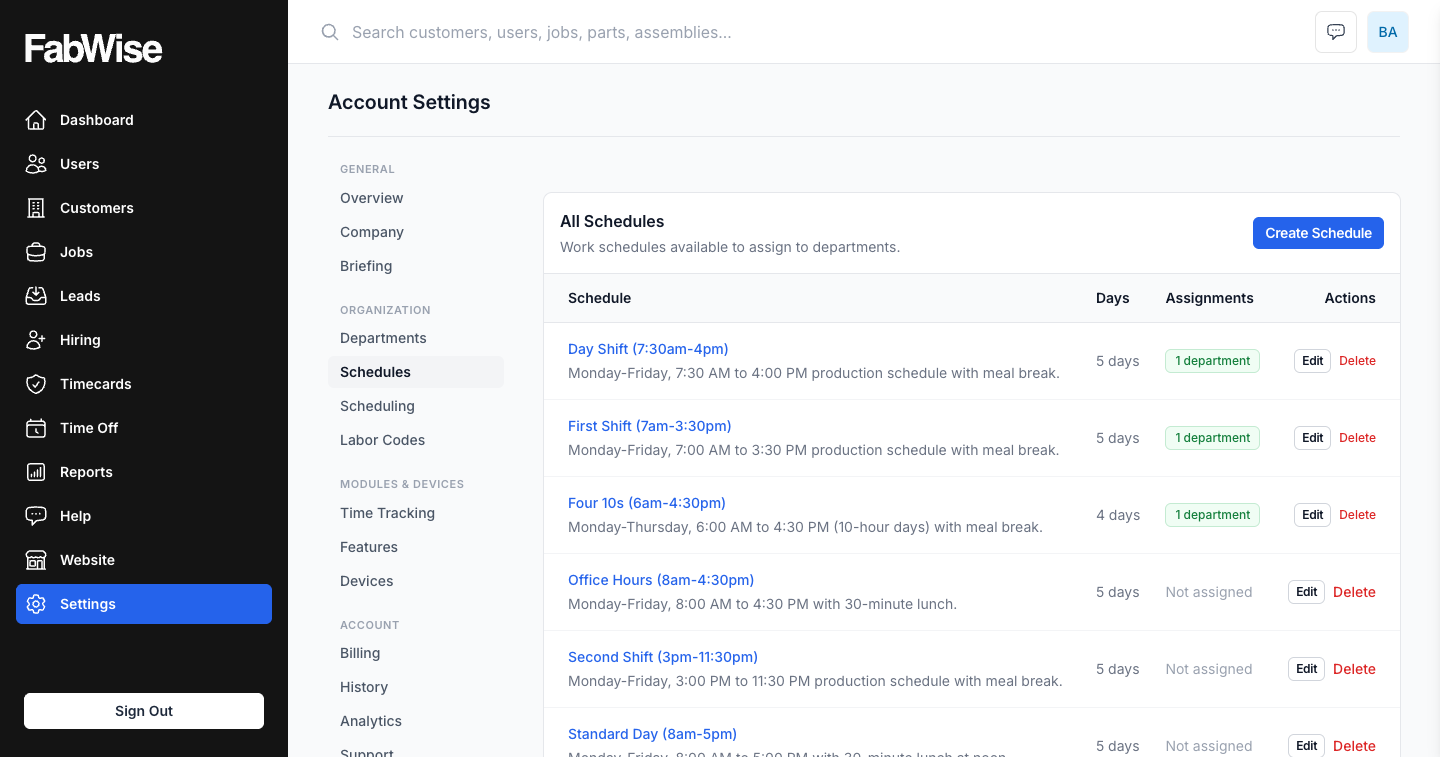
Meal breaks are attached to shift schedules. At clock-out, a worker whose schedule includes a meal break is prompted to declare whether they took it. If they worked through, they flag it — the supervisor sees it immediately for review. The original clock-out record is untouched; the declaration is a separate event on the record.
This is part of FabWise's core principle: capture is immutable. You cannot edit a clock-in or clock-out time after it lands. Corrections are a separate action, with their own actor and audit trail. The shift record you export to payroll reflects what actually happened, not what got overwritten.
For shops in states with mandatory meal break laws — California, Oregon, New York — this record is critical. Your payroll provider handles the compliance calculation; FabWise gives them the accurate data. See OSHA guidance on hours and scheduling for applicable federal standards.
Configurable Time Rounding
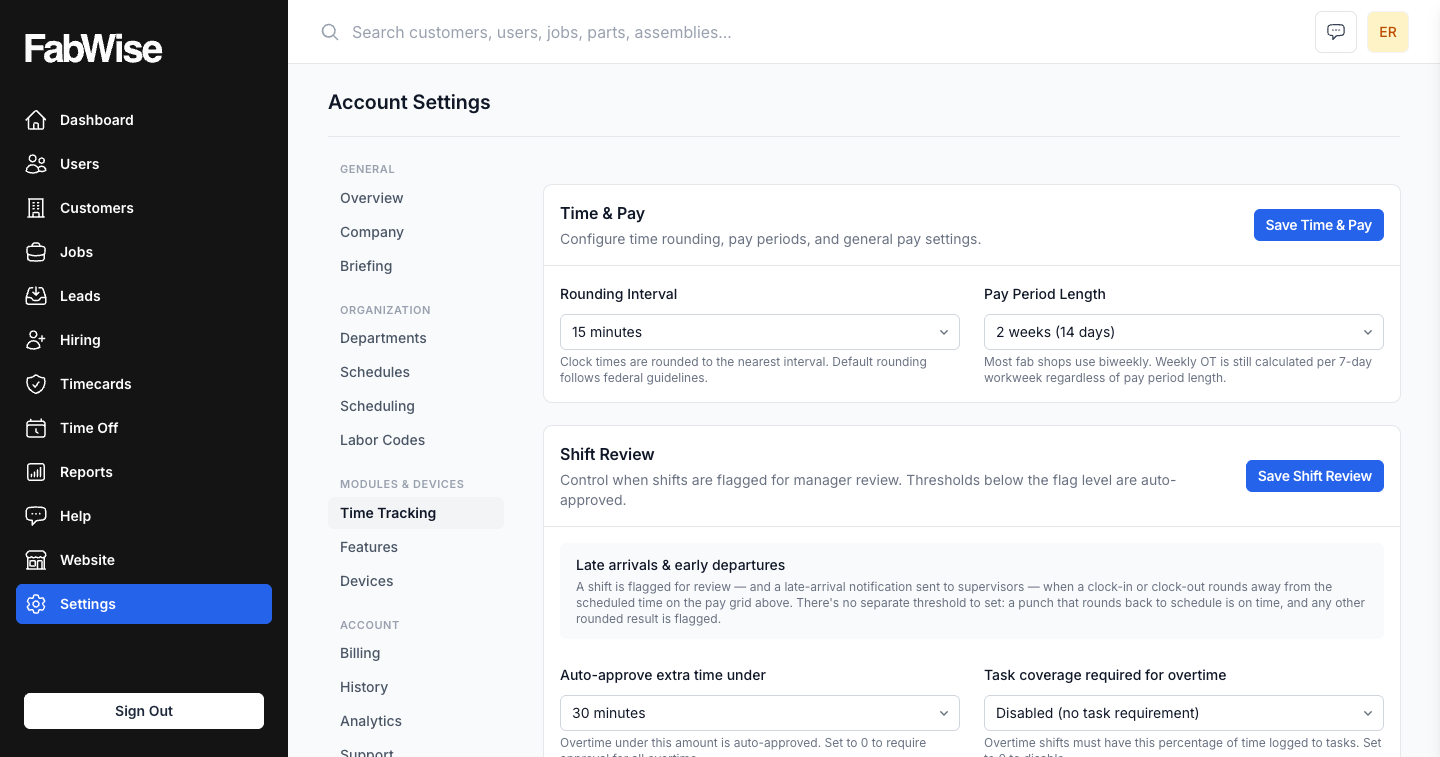
Most payroll systems expect time in rounded increments: 5, 6, 10, 15, or 30 minutes. FabWise applies the rounding rule you configure to every clock-in and clock-out before the data flows to payroll export.
The rounding is transparent: the raw capture time is preserved on the shift record. The rounded time appears in the payroll export. Your payroll provider receives clean, consistently rounded data. No manual adjustment step, no calculation errors on edge cases.
Supervisor Corrections — Immutable Capture, First-Class Correction
Workers mis-tag jobs. Workers forget to clock out. Workers record a break they didn't take. These things happen in any shop, and a time-tracking system that doesn't handle corrections gracefully creates more problems than it solves.
FabWise separates capture from correction. A supervisor can attach a correction to any shift record — adding the adjusted hours, the reason, their name, and a timestamp. The original capture is untouched. When a shift goes to payroll, the export uses the corrected values where present, original values elsewhere. The audit trail is complete.
That matters most to a shop that has been burned by a system where an admin could silently overwrite a time record. Every number on the payroll export is traceable to either an original capture or a named correction.
See supervisor corrections for the full workflow.
From Clock-Out to Payroll Export
The full flow from time capture to payroll:
- Workers clock in and out throughout the week, tagging jobs and tasks.
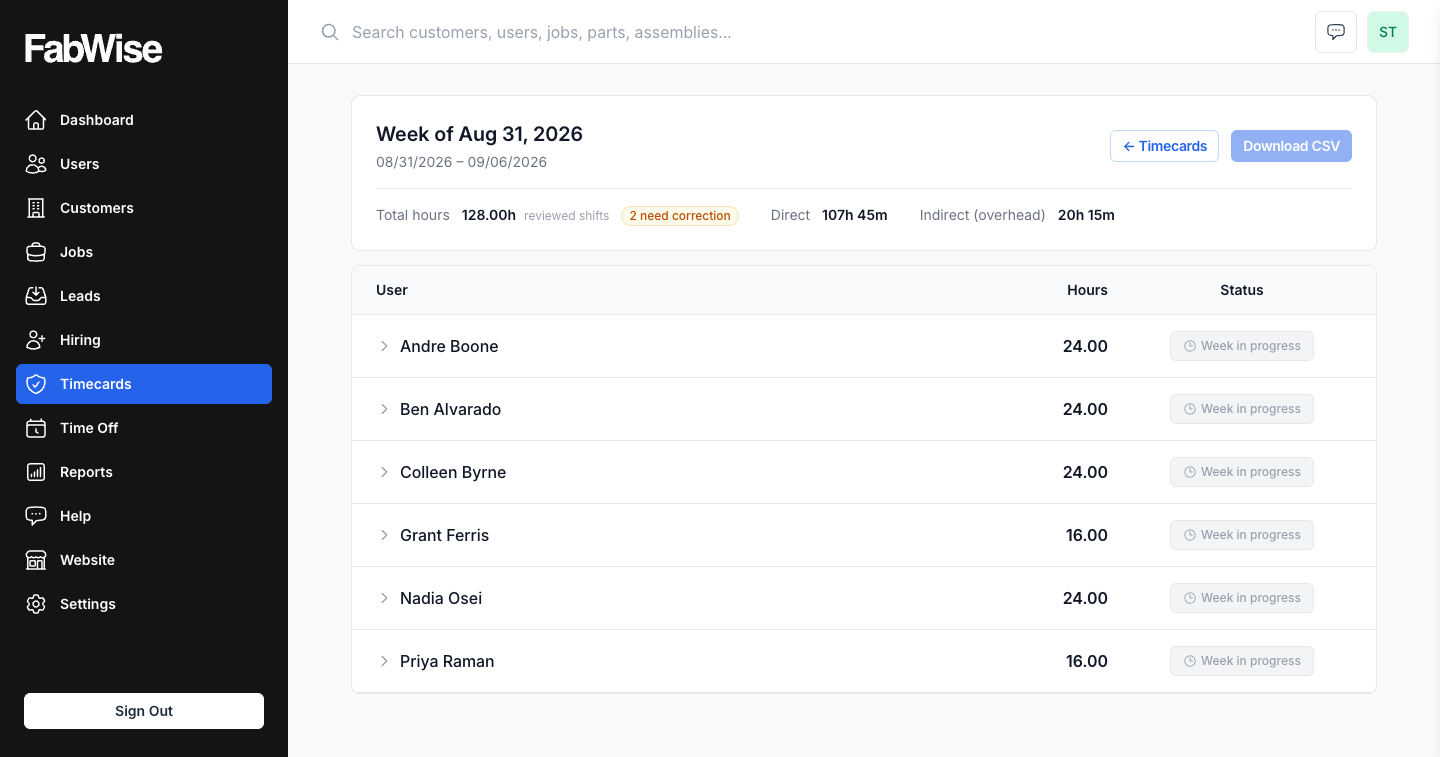
- Supervisors review flagged records (missed breaks, unscheduled overtime, corrections needed) in real time.
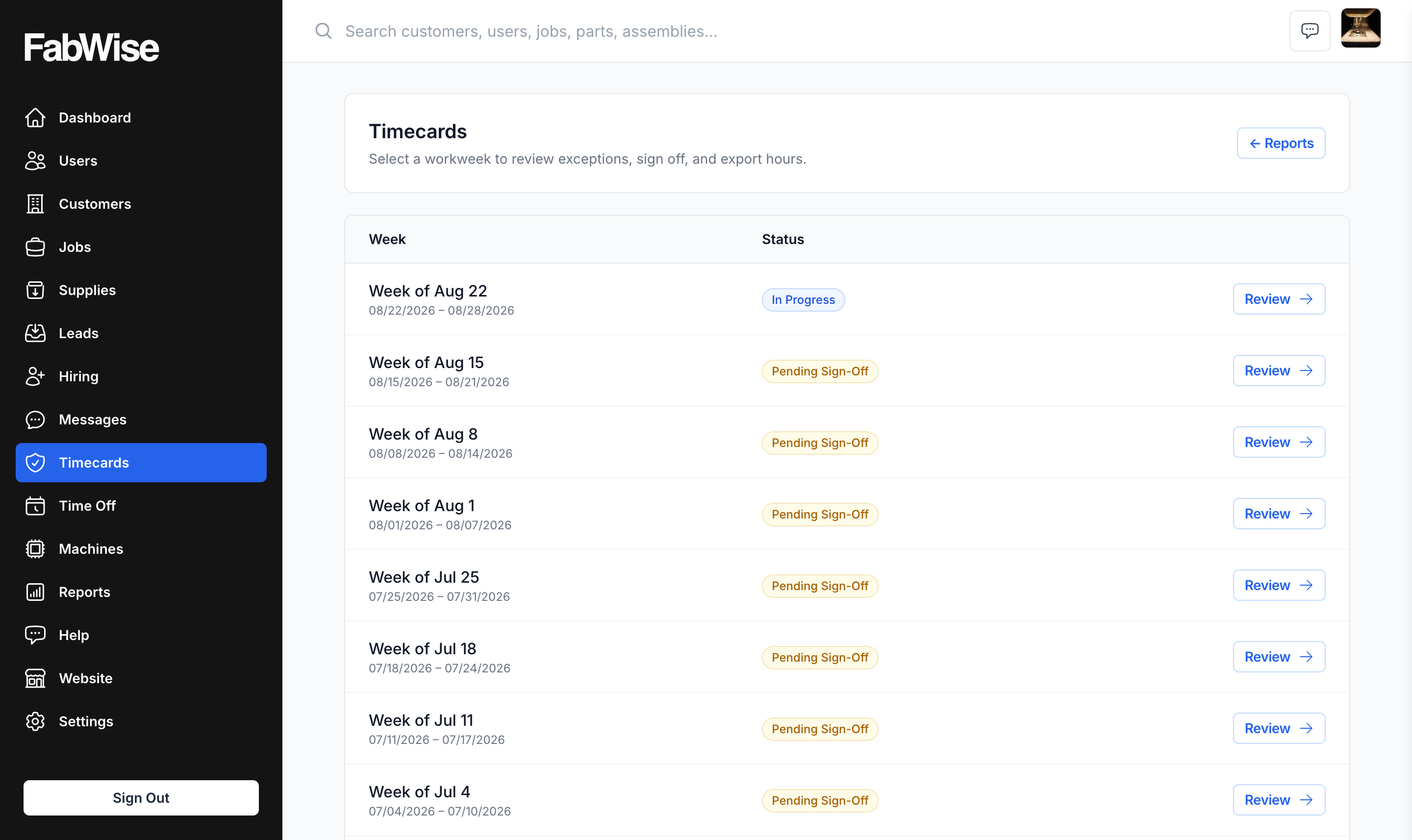
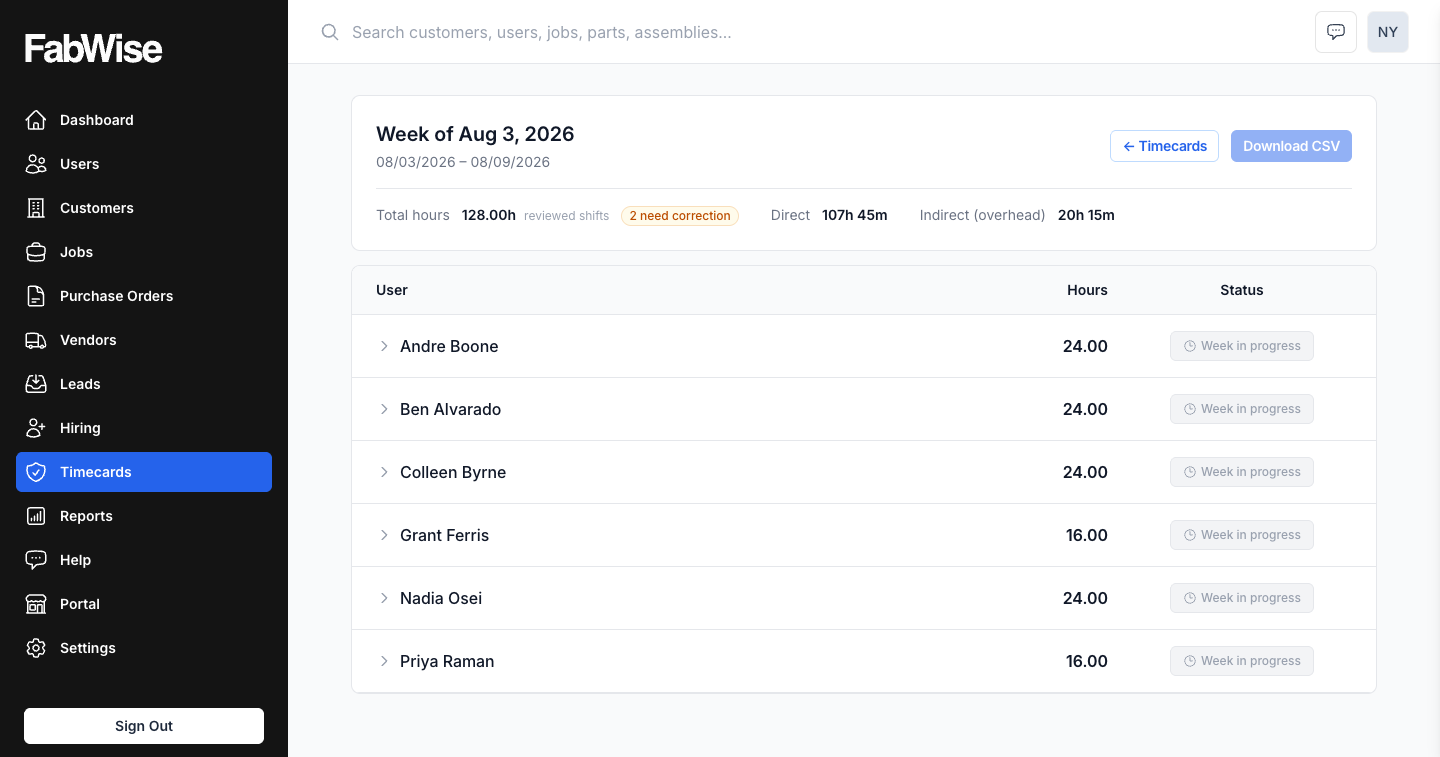
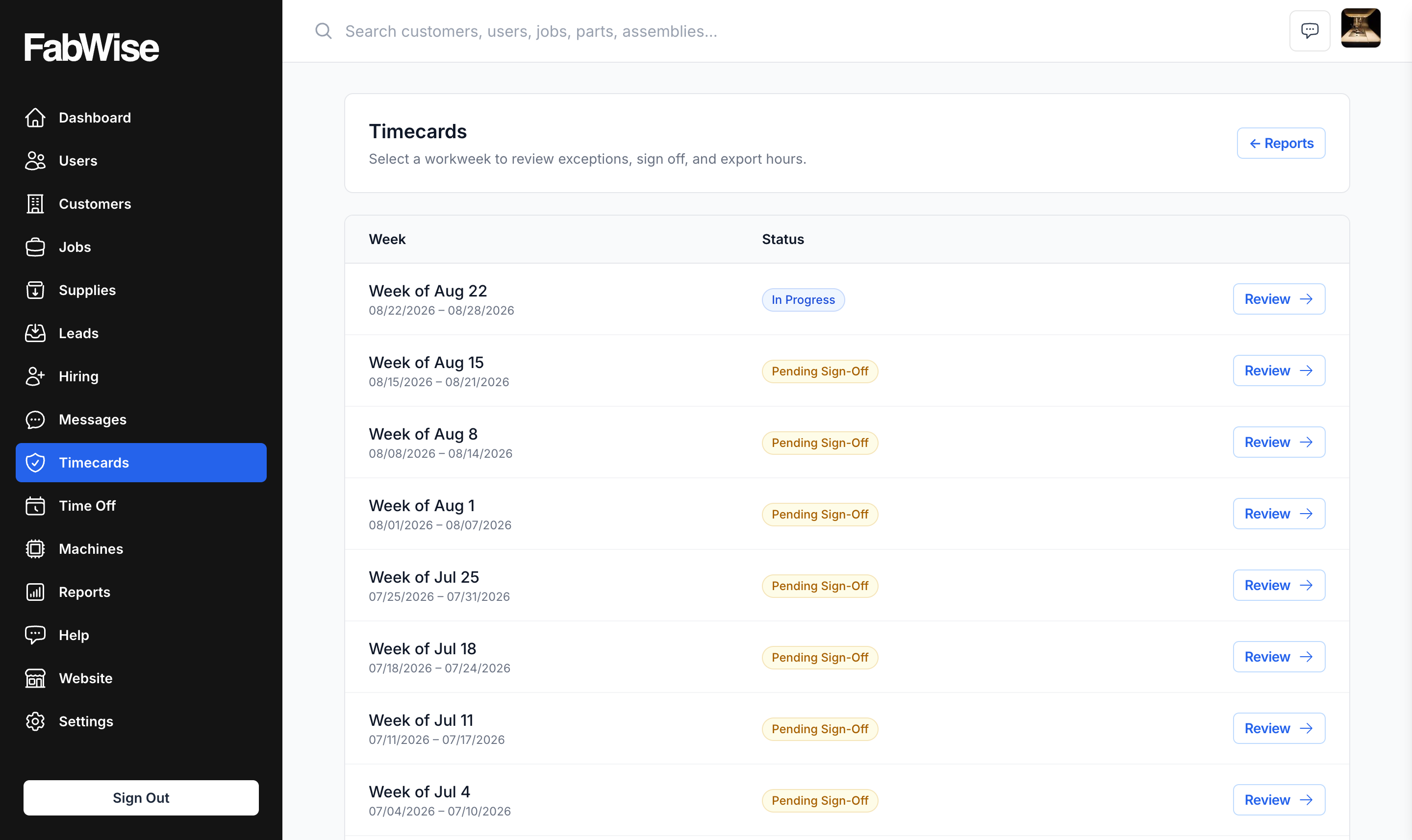
- At week-end, the admin approves the pay period — a single-screen review of all shifts.
- Export the period's CSV and import it into whatever you run payroll on.
- Upload to your payroll provider. They handle overtime classification, tax calculation, and compliance. FabWise gives them accurate time data.
The payroll export step takes under ten minutes.
What FabWise Does Not Do
FabWise captures accurate time records. Your payroll provider handles pay classification, overtime calculations, tax withholding, and labor law compliance. FabWise does not calculate pay rates, classify overtime, or enforce labor law. It gives your payroll provider correct input data so their calculations are correct.
If you need a tool that also handles payroll processing, you need a payroll provider — and FabWise connects cleanly to the ones most commonly used in fabrication shops.
Is FabWise Right for Your Shop?
FabWise is the right fit if:
- You run a fabrication, metalworking, welding, or machining shop with 5–100 workers
- You have multiple jobs running simultaneously and need labor hours tracked per job
- You use any payroll provider that imports a CSV of hours
- You're currently running on paper time cards or spreadsheets and losing hours to manual reconciliation
- You need an audit trail for time records without the complexity of an enterprise ERP
FabWise is probably not the right fit if you need payroll processing, HR management, or scheduling for knowledge workers. It's purpose-built for the shop floor.
For more on how labor hours flow into job cost analysis, see job costing and the labor burden glossary entry.