
Shop time card software captures, reviews, approves and exports worker hours in a manufacturing environment. What separates it from generic time tracking is job attribution: hours land against a job as the work happens, not reconstructed from memory on Friday. If you are still on paper, eliminating paper time cards covers what that change actually involves.
What It Has to Handle
Captures hours per job at clock-in. When a worker clocks in, they select the job they're working on. The selection happens at the start of the segment, not reconstructed at the end of the shift. This is the foundational difference between shop time card software and generic time tracking.
Supports multi-job shifts. Workers move between jobs throughout a shift. The software records each segment — clock out of Job A, clock in to Job B — as part of the same shift, maintaining continuous presence tracking while attributing hours correctly.
Provides a supervisor correction workflow with audit trail. Workers make selection errors. A supervisor can attach a correction to any record with the adjusted value and the reason. The original capture is preserved. The correction is a distinct event with its own timestamp and actor. When the record flows to payroll, the corrected value is used. See labor tracking for how the audit trail works.
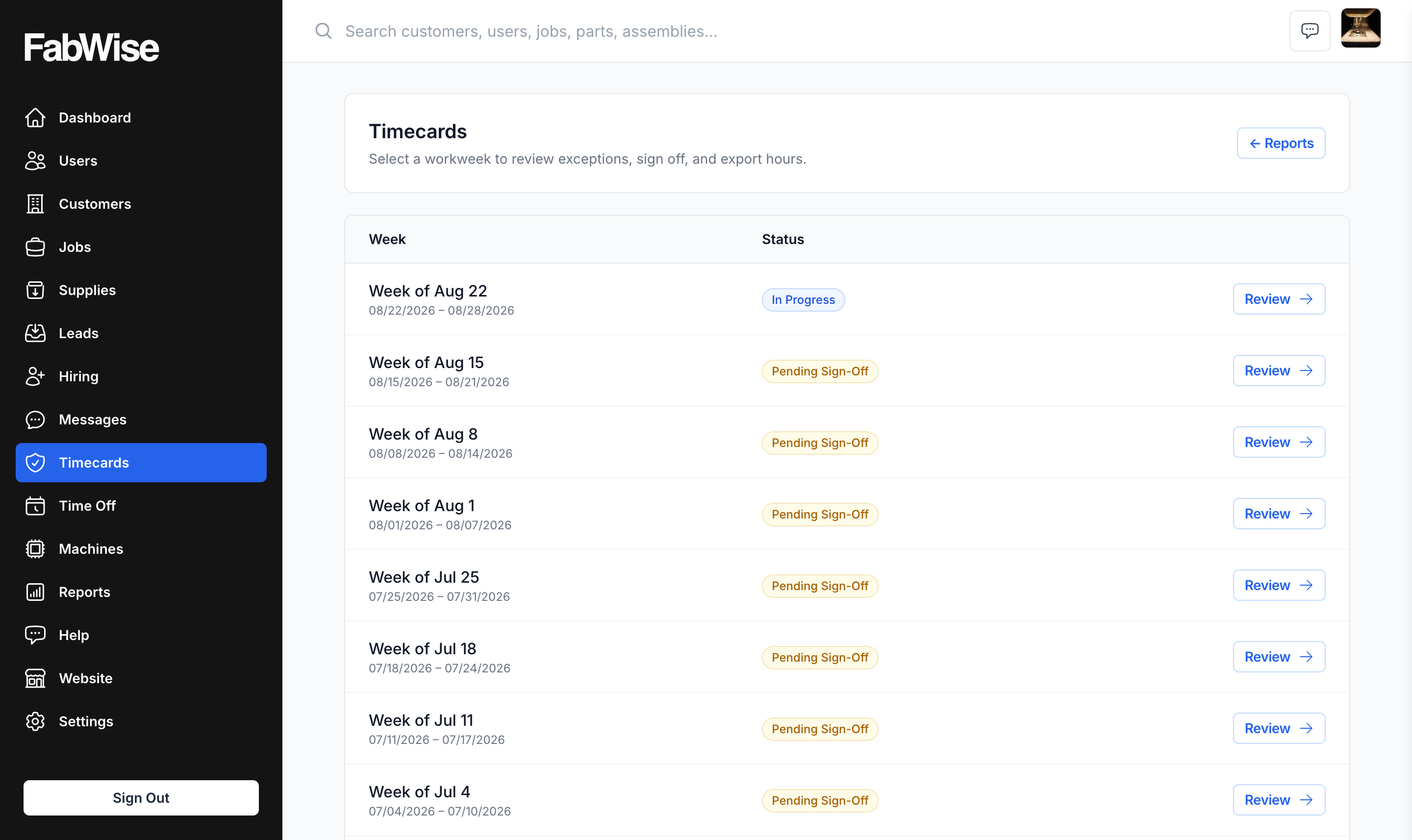
Exports to your payroll provider. At pay period close, signed-off records export as a CSV your payroll provider imports. The payroll export reflects approved records, not raw captures.
Provides real-time visibility. The admin view shows current floor status without requiring a report: who's clocked in, to which jobs, accumulated hours per job for the period.
What to Look For
Job attribution at the point of work — not added afterward. If workers can log hours per job at the end of their shift, they will estimate. Estimates accumulate error.
Single record set for payroll and job costing — not separate systems that need reconciliation. Every hour in the payroll file should be traceable to a job and task.
Supervisor-controlled correction, not worker self-edit — workers shouldn't be able to modify their own time records after the fact. Corrections should require supervisor authorization and leave an audit trail.
No overtime calculation in the tracking tool — overtime rules are complex and jurisdiction-dependent. Your payroll provider applies them correctly. The tracking tool should provide accurate hours; overtime is the payroll provider's job.
Active job list at clock-in. Workers select from a list of open jobs administered by the shop manager. The list is current because the manager adds jobs when orders come in. Workers aren't entering job codes from memory; they're selecting from a filtered list.
Task type at clock-in. Beyond which job, the clock-in should capture what type of work — machining, setup, inspection, rework. This is what enables task-level analysis in job costing: not just "how many hours on Job A" but "how many setup hours on Job A" vs. "how many machining hours."
Supervisor correction with audit trail. Workers select wrong jobs, forget to clock out, or need times adjusted. A supervisor should be able to attach a correction to any record — adjusted value, reason, their name — without destroying the original capture. The original and the correction both matter for audit.
Real-time floor visibility. The admin view should show current floor status without requiring a report to be run: who's clocked in now, to which job, for how long.
What to Avoid
Systems that don't capture job at clock-in. If the time clock captures hours per worker but not hours per job, you'll be reconstructing job attribution manually. Any reconstruction is estimation. Estimation accumulates error over time.
Manual reconciliation at pay period end. Some systems require supervisors to manually review and reconcile time records before payroll. This is a symptom of inadequate capture upstream — either clock-out data is missing, or job attribution is incomplete. Reconciliation work that exceeds 30 minutes per pay period is a sign the capture system isn't working correctly.
Systems that separate "payroll time" from "job time." In a machine shop, every labor hour should be attributed to a job. If your time clock produces a payroll file but doesn't feed job cost data — or produces job cost data that doesn't reconcile with payroll — you have two systems where one would do. See labor tracking for how a unified approach works.
Over-engineered enterprise systems. Full ERP-integrated time and attendance systems are designed for manufacturers with hundreds of employees and complex shift patterns. For a machine shop with 5–50 workers, they bring overhead (implementation cost, training, admin burden) that isn't justified by the problem being solved.
Frequently Asked Questions
How does shop time card software differ from an HR system?
An HR system handles employee records, benefits, leave policies, and compliance. Shop time card software handles time capture, job attribution, and payroll export. FabWise is the latter — it captures hours and exports them. It does not manage employee records, calculate pay, or handle HR compliance.
Can FabWise replace our payroll software?
No. FabWise exports approved time records to your payroll provider; your provider handles pay calculation, tax withholding, compliance, and direct deposit. FabWise does not calculate pay or process payroll.
Does FabWise work with my payroll provider?
Almost certainly. The payroll export produces one CSV per pay period with a stable set of columns, and payroll systems import hours through their own column-mapping step — so there is nothing provider-specific to support.
What's the minimum shop size for FabWise to make sense?
We designed FabWise for shops from five to a hundred employees. Headcount is the weaker signal though — whether it suits you depends far more on how your work is organized, so if you are outside that range or unsure, ask us and we will tell you straight.