FabWise
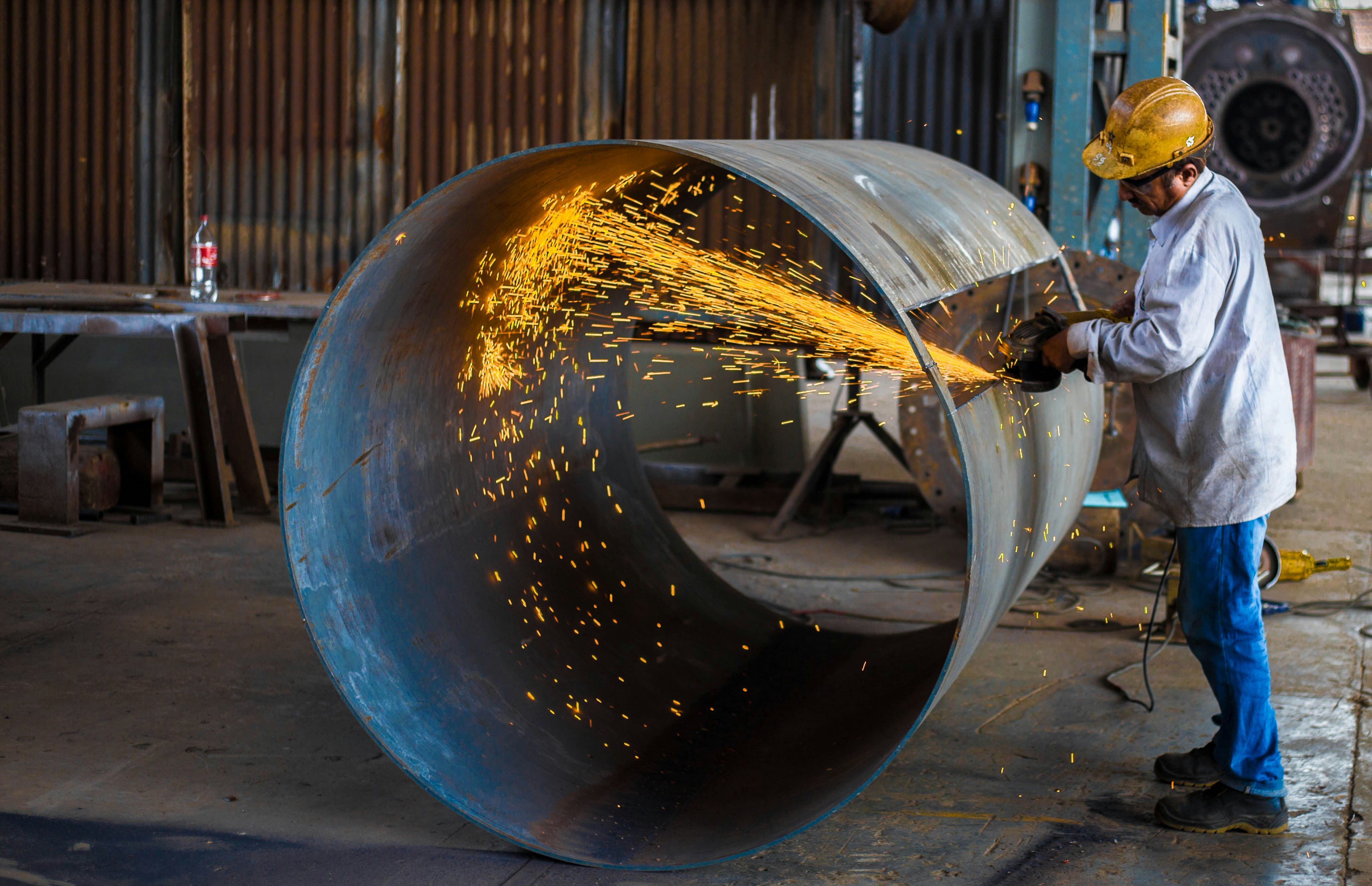
Fabricator cutting a large steel pipe, sparks flying across the shop floor

Timeclocks made simple. Built by a shop owner, fit for purpose.

Capture time on the shop floor and send clean, accurate data to payroll — kiosk, workstation, or phone.

Start Free Trial

30 days · No credit card required

Two ways in

What do you need out of the week?

Starter — Timeclock Kiosk

Up and running fast

One shared tablet by the door — any Android or Apple tablet, no special hardware. The crew taps in, takes a break, taps out. Say goodbye to complicated timekeeping.

  • Shared kiosk clock-in — a PIN, not a login to forget
  • Any Android or Apple tablet, up and running in minutes
  • ADP, Gusto, QuickBooks, or your own CSV
Professional — Detailed Time Tracking

Time by job and operation

Everything in Starter, plus a tablet at each workstation. Operators tag the job and operation as they work, so you see it in real time — on the admin dashboard and the FabWise iOS app.

  • Per-worker task capture, device-bound to real jobs
  • Real-time visibility on the admin dashboard and iOS app
  • Hours against the quote while the job is still open

Either way it's the same 30-day trial and the same setup. Most shops start with the clock and turn on job costing once the floor has the habit.

Real shops, real numbers

Built to pay for itself in the first month.

Business growth at Kutz Fabricating after switching to FabWise
39%
ADP payroll cost reduction at Kutz Fabricating
75%
Free trial — no credit card required
30 days

Capture · Approve · Export

The whole week, in three steps.

Capture

Time lands where the work happens

A shared kiosk by the door for the whole crew, a workstation at each machine for the job detail. Time lands once, where the work is — not reconstructed from memory on Friday.

Approve

Only the shifts that need you

FabWise flags the exceptions — late starts, missed breaks, early outs — and leaves the clean shifts alone. Correct a time, note the reason, approve the rest in one pass.

Export

Straight into your payroll provider

ADP, Gusto, QuickBooks, or a custom CSV you configure once. Approved hours go out in your provider's format — no manual conversion, no re-keying.

In the office

Run the whole week from one screen.

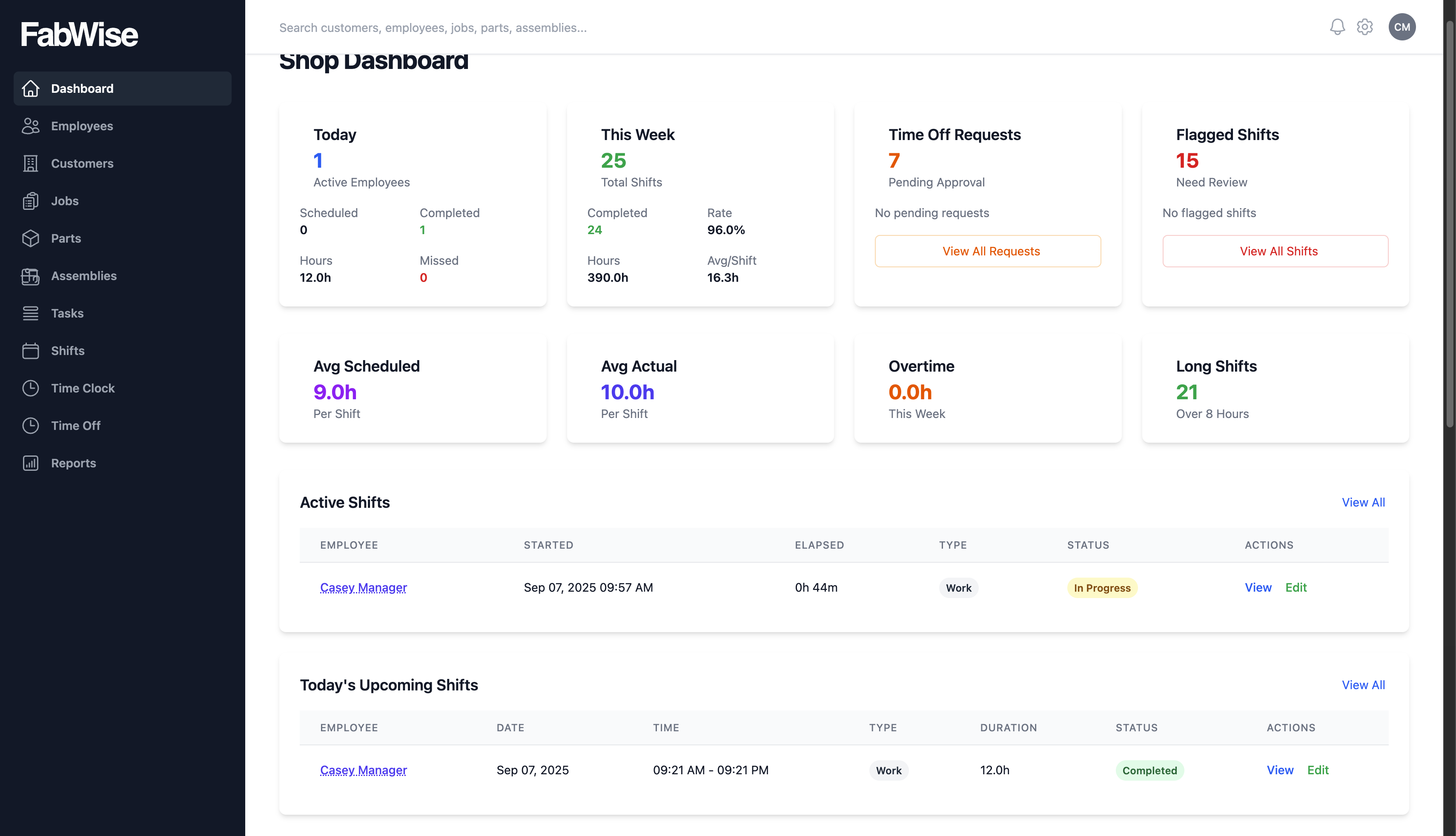
Who's on the floor, which shifts need a decision, what every job has cost so far — then approve the week and send it to payroll. This is the screen you'll live in on Friday afternoon.

FabWise admin dashboard showing today's shifts, hours, and the review queue

One app, everywhere

And it doesn't stop at the office door.

Gloves, grime, and a three-second attention span are real design constraints, so the kiosk by the door, the screen at the machine, and the phone in your truck are each built for their spot. Same system, same record as the office — the hours never disagree, because there's only one set of them.

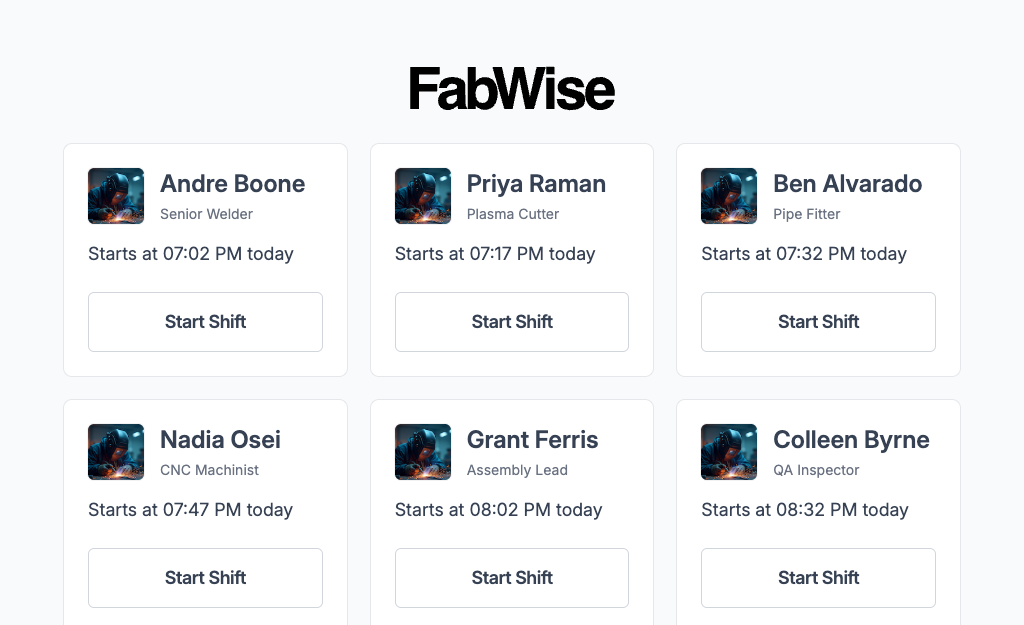
FabWise kiosk clock-in screen on a wall-mounted tablet

At the door

Kiosk

One shared tablet, the whole crew. Tap your name, punch a PIN, go. Big targets that work through gloves, and no per-person login to forget.

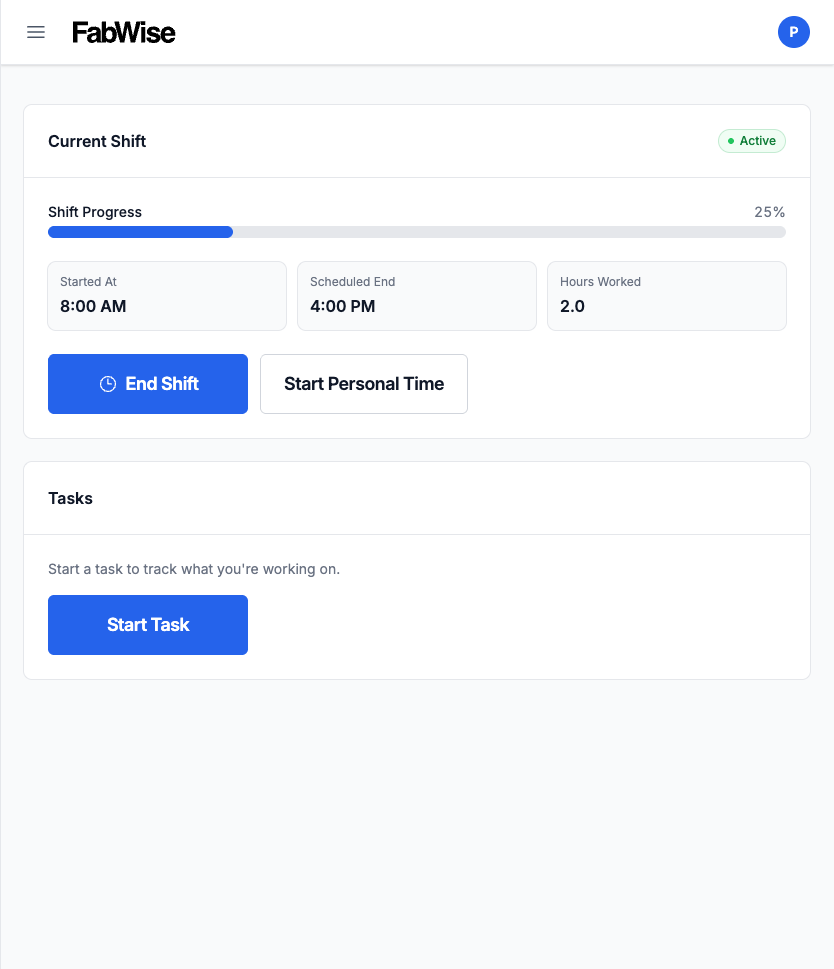
FabWise workstation task view on a shop tablet

At the machine

Workstation

One worker, one station. Their tasks, their hours, their messages from the office. Installs to the tablet's home screen and opens full-screen — no browser bar, no app store.

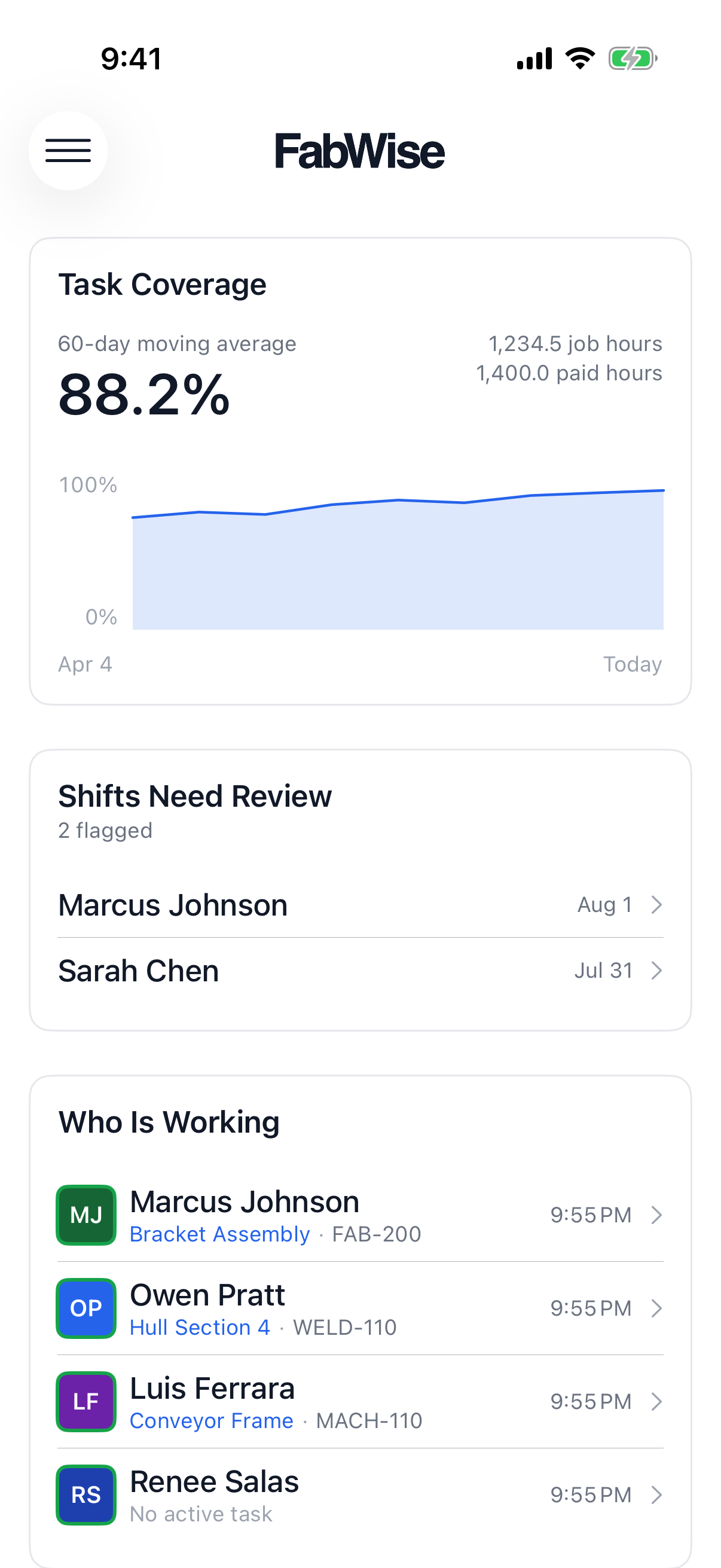
The FabWise iOS app on an iPhone showing today's shifts

On the road

iPhone

Your shop in your pocket. See who's on the floor, get pushed the exceptions as they happen, and approve or correct a shift from a parking lot. On the App Store for iPhone.

Foreman

An intelligent assistant that monitors your jobs.

Foreman watches your shifts and jobs and tells you what needs a look before it's a problem — a Professional-tier capability an admin turns on, off by default everywhere else.

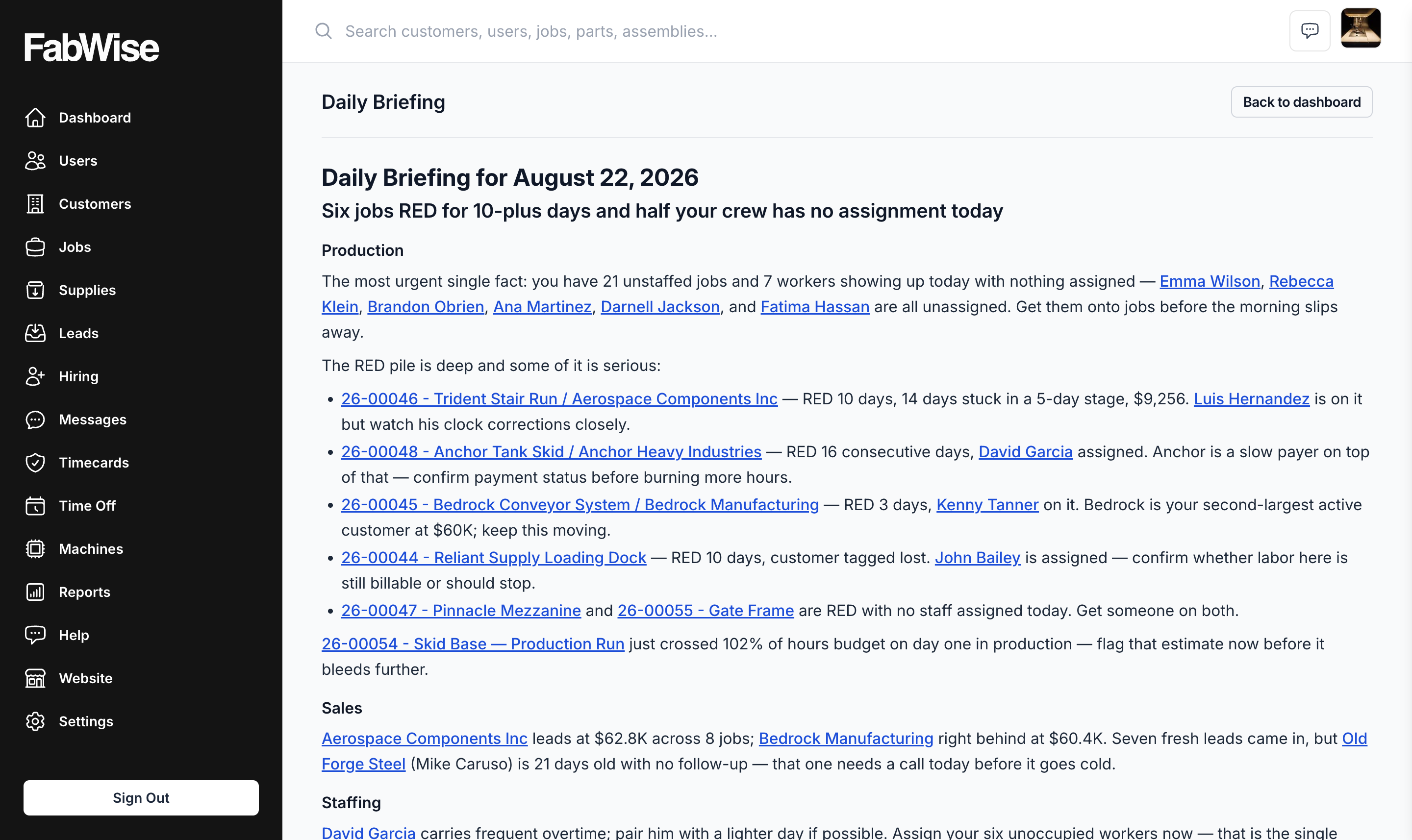
Foreman's Daily Briefing in the FabWise dashboard, leading with the jobs that need attention first

Every morning

Daily Briefing

A short read on your phone before you're at the shop — which jobs are trending over budget, which shifts need a decision, what to look at first. Admin dashboard and the FabWise iOS app.

Any time

Chat with Foreman

Ask about a job, a shift, or an employee in plain language and get an answer pulled straight from your account — no report to build first.

End of day

Voice allocation

Tell Foreman what you worked on and it logs the task — a spoken alternative to tapping through jobs at the workstation.

Daily Briefing and voice allocation are Professional-tier and admin-enabled — off by default on every plan, including Professional, until an admin turns them on.

And then it keeps working

The same hours cost your jobs.

Add workstations and every approved hour carries the job it was worked on — tapped as it happens, or allocated at the end of the day. You get hours-to-budget while the job is still open, and your next quote on a similar part starts from real numbers instead of gut feel.

From the field

What our customers say.

We replaced paper time cards on a Friday. Monday morning, payroll took 15 minutes instead of three hours — and we caught two days of unbilled job time we'd have eaten.

Kutz Fabricating

Pittsburgh, PA

30 days · No credit card required

Start tracking time the right way.

Spin up your shop in under an hour. We're here if you need a hand.

Start Free Trial

30 days · No credit card required